
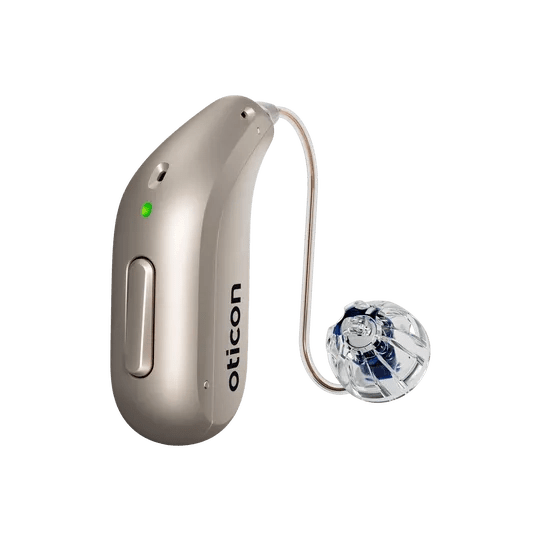
For Bluetooth hearing aids
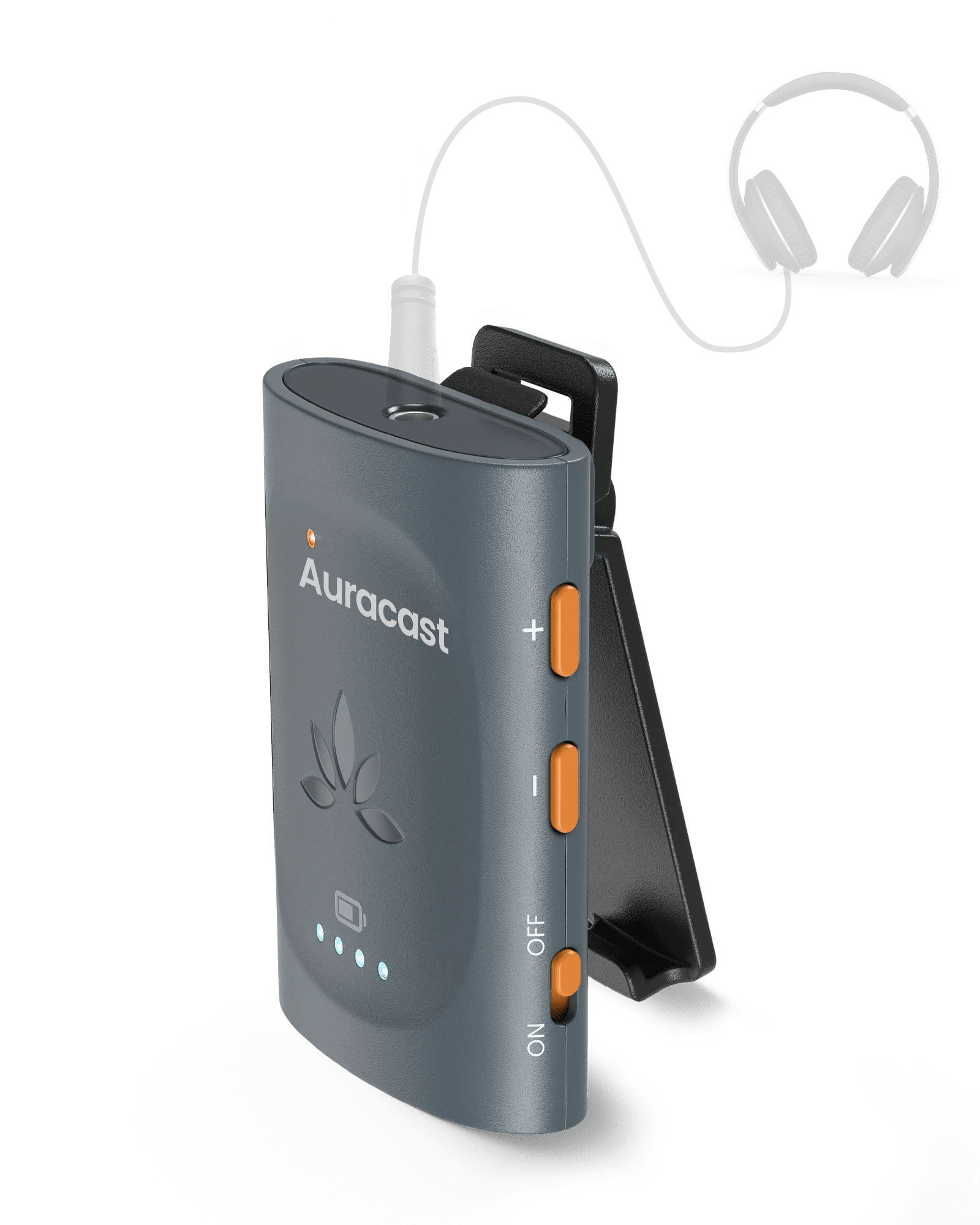
Aura C receives the nearby Auracast broadcast through a supported USB-C phone, then sends audio to compatible Bluetooth, MFi, or ASHA hearing aids connected to that phone.
View Aura C ↗AURACAST LISTENING GUIDE
Start with compatible hearing aids, or choose a receiver or headphones. This guide helps you pick the right path and know what success sounds like.
Auracast is joined as a broadcast. It is not the same as normal Bluetooth pairing.
SETUP
For the clearest, most direct path, start with Auracast-compatible hearing aids.

Choose the path that matches your hearing-aid technology.
Choose your type →
Connect wired headphones, a neck loop, or compatible listening equipment.
See receiver setup →
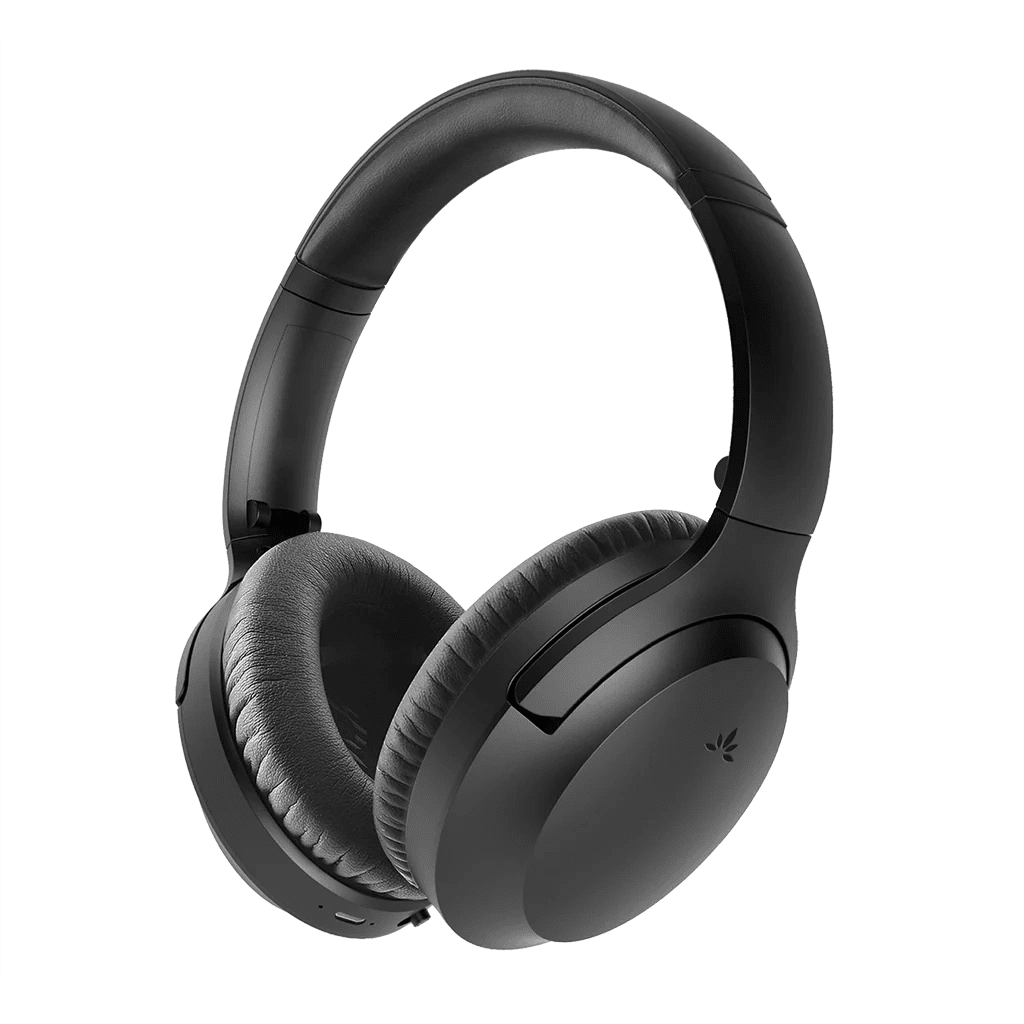
Listen with Auracast headphones, with or without your hearing aids.
See headphone setup →HEARING AIDS
Use the path that matches how your hearing aids receive audio.

Most 2025 and newer models. Join directly using the hearing-aid app or brand method.
Choose your brand →
Most 2018 and newer models. Use Aura C and its companion app through your phone.
See Aura C option →
Use AuraClip with your own T-coil neck loop. T-coil may need to be enabled.
See T-coil option →
Aura C receives the nearby Auracast broadcast through a supported USB-C phone, then sends audio to compatible Bluetooth, MFi, or ASHA hearing aids connected to that phone.
View Aura C ↗
Connect your T-coil neck loop to AuraClip, join the nearby broadcast, then switch the hearing aids to their T or telecoil program. Ask your audiologist if T-coil is not enabled.
View AuraClip ↗HEARING AIDS
Select your brand to open the correct guide for joining an Auracast broadcast from your hearing-aid app.
OTHER WAYS TO LISTEN
Open the corresponding product page for specifications, compatibility, and setup support.


FIX A PROBLEM
Each fix names the action, expected result, and escalation path.
Expected: the broadcast name appears. If it does not, verify compatibility and use the brand guide or contact support with the exact model.
Expected: audio plays in both ears. If not, note the broadcast name, listening-device model, and what the app shows.
Expected: audio stays stable. Persistent dropouts may need hearing-aid-specific support.
Expected: voices no longer arrive twice. Delay control depends on the TV audio settings.
REFERENCE
Auracast broadcasts behave differently from private Bluetooth connections.
STILL NEED HELP?
For the fastest answer, start with a support ticket. Include your listening-device brand and exact model, the broadcast name, and what you see when joining.
DON'T WANT TO SUBMIT A TICKET?
Was this helpful?