1 Open the Philips app

Interactive user guide
Check whether your Philips model and style are listed below. If they are, scroll down for setup steps.
 Direct Auracast
*miniRITE requires firmware 1.3.0 or later.
Availability varies by country.
Don’t see your model?
Your model may not support Direct Auracast.
See other ways to connect →
Pair the hearing aids with your phone before opening the app.
Tap the three-dot More Options button.
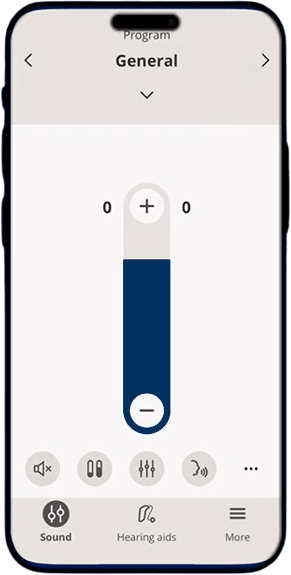
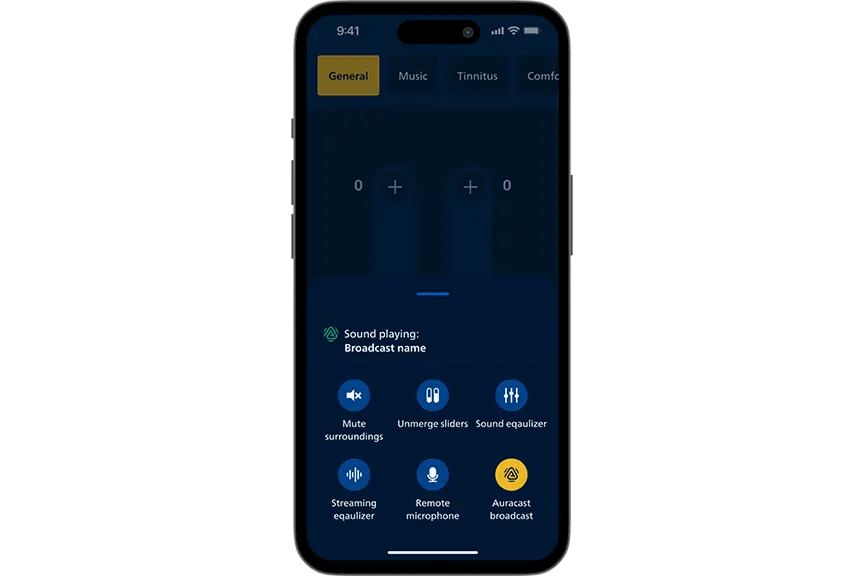
Tap Auracast broadcast.
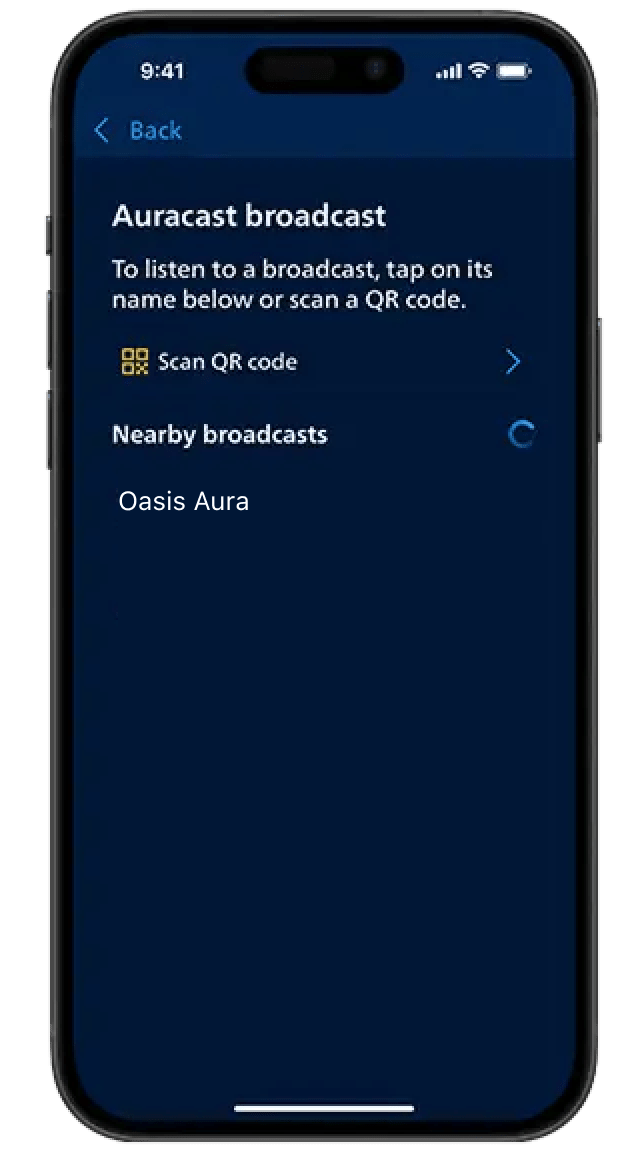
Choose the broadcast you want to hear.
Set the broadcast volume to a comfortable level.
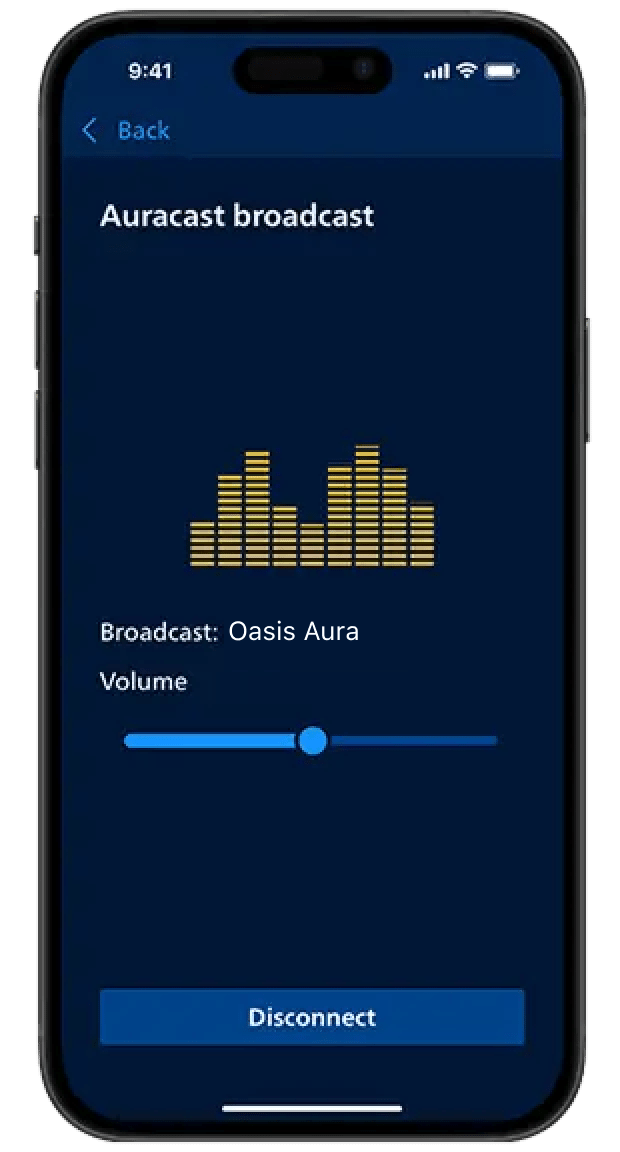
Expected result: You hear the selected broadcast through both hearing aids at a comfortable volume. If not: use Fix a problem and start with the symptom you notice.
FIX A PROBLEM
Recognize: no expected broadcast name is listed. Action: move closer, confirm the transmitter is broadcasting, leave ordinary Bluetooth pairing, and scan again in HearLink 2. Expected: the broadcast name appears. If it does not, restart the hearing aids and phone, then check your model, style, and firmware against the supported list above.
Action: select the broadcast again and raise streaming volume gradually. Expected: audio plays through both hearing aids. If it differs, note the broadcast name, phone model, hearing-aid model, and what HearLink 2 shows.
Action: move closer, use one listening path, and mute the TV speaker when practical. Expected: stable audio without duplicate voices. Persistent problems need Philips- or transmitter-specific support.