SHIPPING
2-5 business days. Free returns within 60 days with a prepaid label upon request.


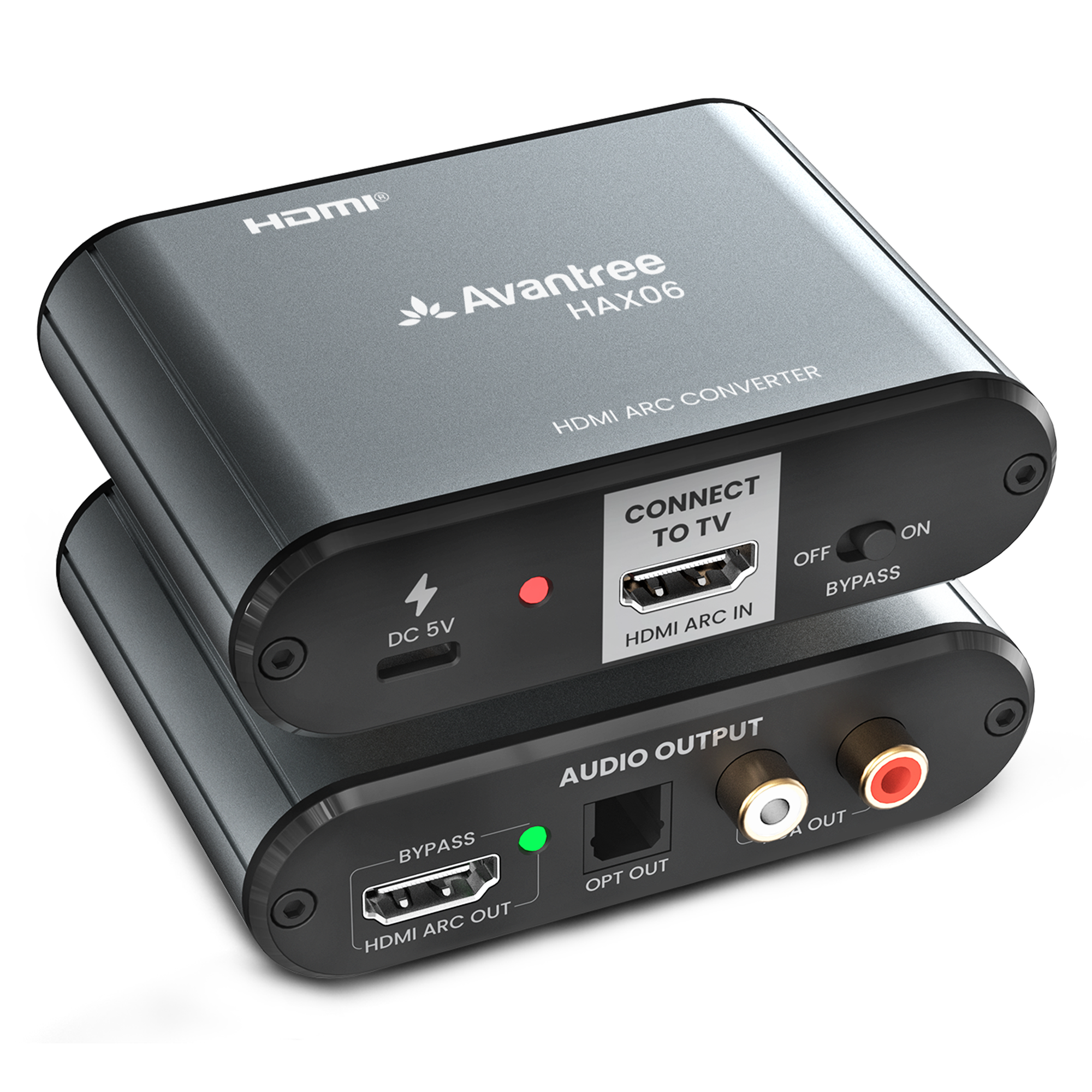


HDMI ARC Audio Extractor for Soundbar & Headphones
• HAX06 HDMI Audio Converter
• Type C Charging Cable


| HDMI Version | HDMI 2.0, ARC input only (no eARC support) |
| Audio Outputs | Optical (TOSLINK), 3.5mm AUX, RCA L/R |
| CEC Support | Yes – control volume/power via TV remote |
| Power Supply | 5V/1A USB C power |
| Dimensions | 3.54 × 2.80 × 0.87 in / 90 × 71 × 22 mm |
| Weight | 125 g / 4.41 oz (≈0.28 lb) |
| HDMI Version | HDMI 2.0, ARC input only (no eARC support) |
| Audio Outputs | Optical (TOSLINK), 3.5mm AUX, RCA L/R |
| CEC Support | Yes – control volume/power via TV remote |
| Power Supply | 5V/1A USB C power |
| Dimensions | 3.54 × 2.80 × 0.87 in / 90 × 71 × 22 mm |
| Weight | 125 g / 4.41 oz |

Q1: Will this work with my TV?
A: Yes — if your TV has an HDMI ARC or eARC port.
If it's eARC, make sure to turn off eARC in the TV settings.
Q2: Can I use this with Apple TV, Roku, or game consoles?
A: No. HAX06 only works with the HDMI ARC port on your TV.
It cannot take audio from HDMI source devices.
Q3: Can I connect a soundbar and headphones at the same time?
A: Yes. In Bypass Mode, HAX06 can output audio to your HDMI ARC soundbar and also to another device via Optical or RCA — like a Bluetooth transmitter for headphones or hearing aids.
Q4: Can I use wireless headphones directly?
A: No. HAX06 does not have Bluetooth.
To use wireless headphones, connect a Bluetooth transmitter (not included) to the Optical or RCA output.
Q5: I connected everything, but there's no sound. What should I check?
A:
Q6: Will my TV remote control the volume?
A: Only when using HDMI ARC with a CEC-enabled soundbar.
Volume can't be controlled over Optical or RCA — adjust it on the connected device.
Q7: Can I output audio to multiple devices at the same time?
A: Yes.
When Bypass is ON and your TV is set to PCM, HAX06 outputs sound simultaneously via HDMI ARC, Optical, and RCA.
Bypass OFF sends audio to Optical and RCA only.
Q8: Does it support 5.1 surround sound?
A: Yes — but only when you're using HDMI ARC soundbar output by itself.
If you're also using Optical or RCA, your TV must be set to PCM stereo.

 Assistive Listening
 Instant Venue Audio
 Guided Tour
