-
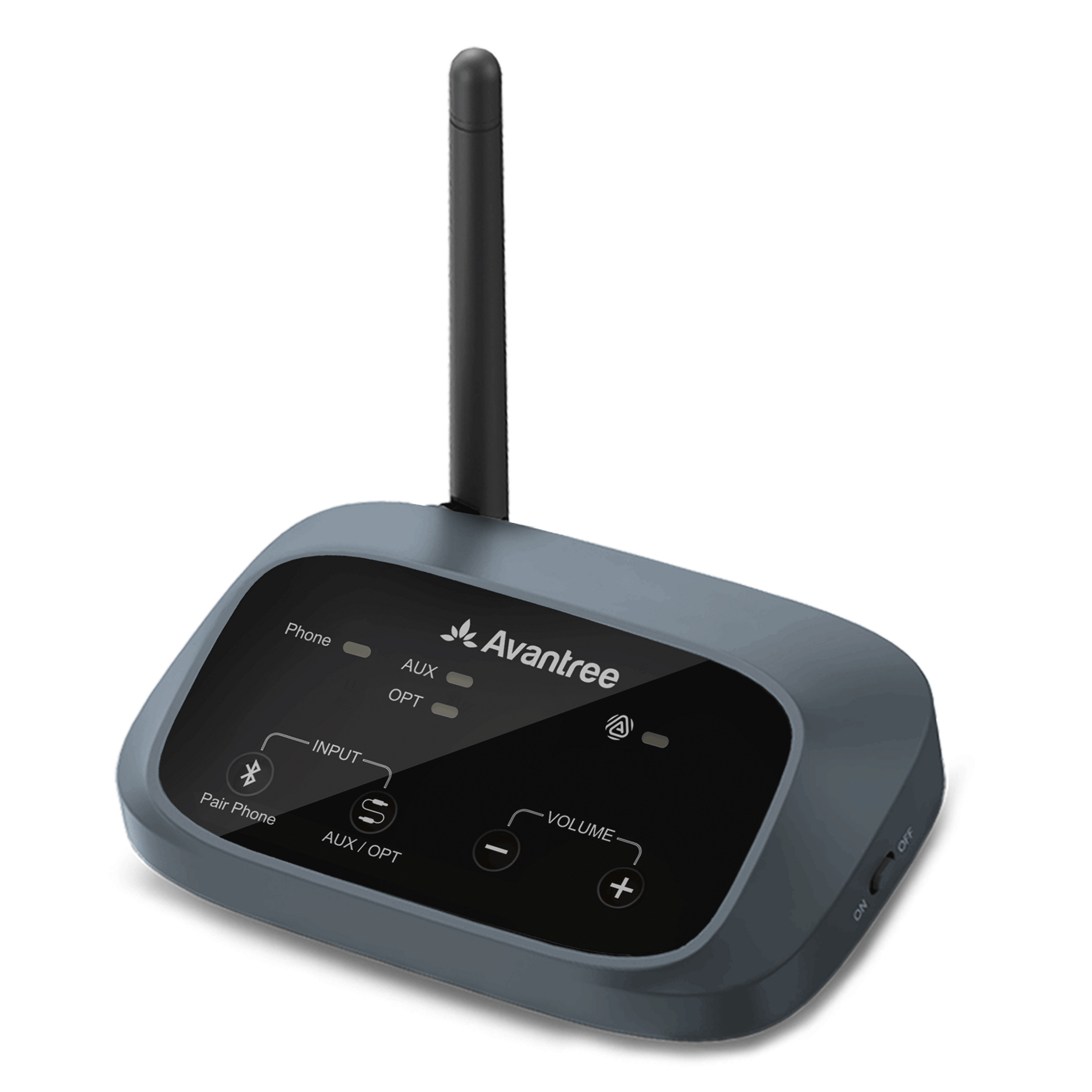
Audikast 4 | Bluetooth & Auracast TV TransmitterVendor: AvantreeFor Bluetooth or Auracast headphones and speakers
Latest Auracast™ technology
Advanced Bluetooth 5.4 with aptX Adaptive
- $69.99
- Unit price
- per
-
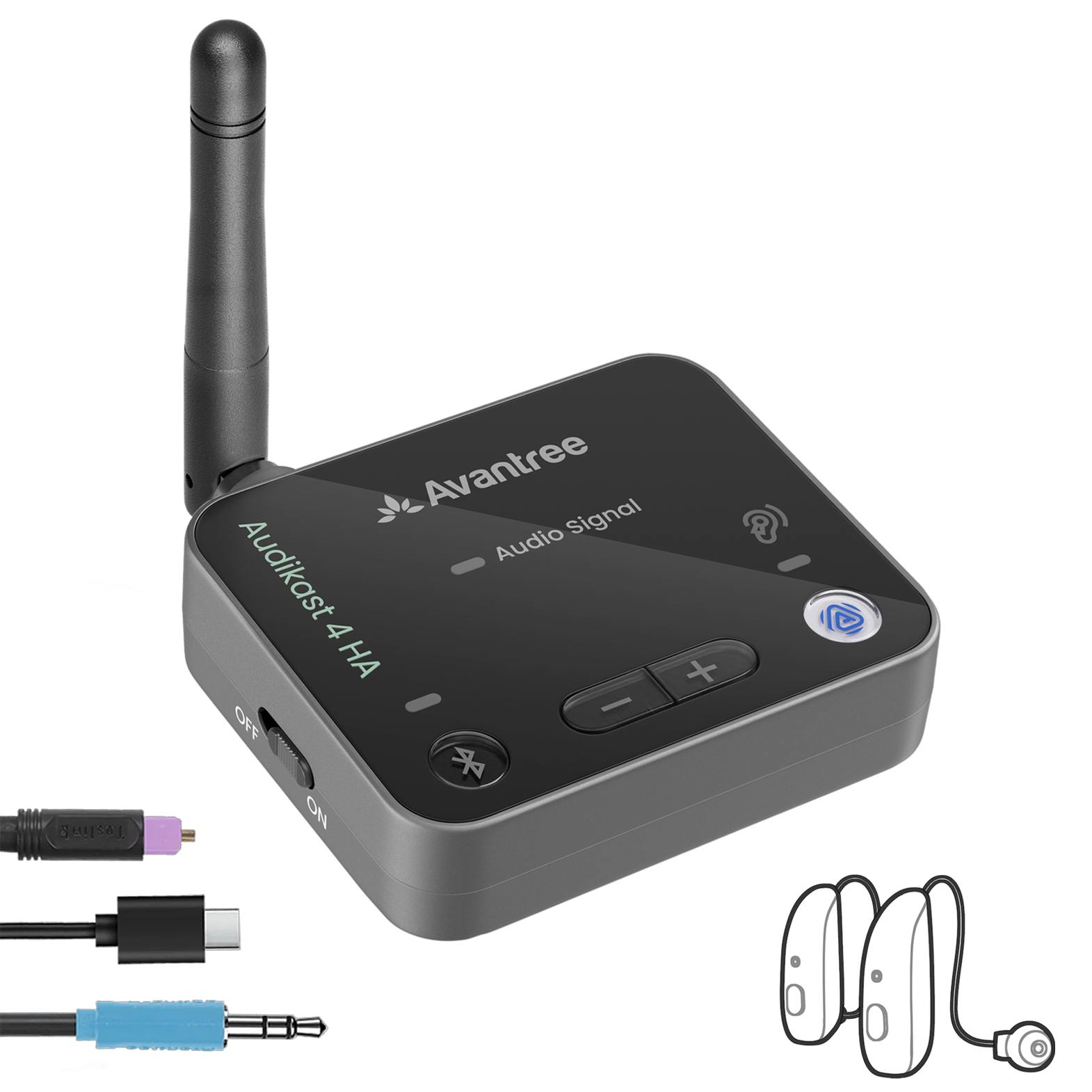
Audikast 4HA | Auracast TV TransmitterVendor: AvantreeOptimized for selected Auracast hearing aids
Auracast™ headphones & hearing aids support
aptX-Adaptive low latency & high resolution audio
- $79.99
- Unit price
- per
-
<tc>Oasis Aura</tc> | Meilleur émetteur AuracastVendor: AvantreeÉmetteur audio Auracast longue portée pour appareils auditifs
Up to 100m / 328ft wireless range
Stream to multiple listeners at the same time
- $129.99
- Unit price
- per
-
Voyager HA | Auracast AUX Transmitter for Hearing AidsVendor: AvantreeBluetooth Transmitter for Auracast-enabled Hearing Aids, Display & Volume Control
Supports Auracast Hearing Aids
Auracast Broadcast to Multiple Listeners
- $79.99
- Unit price
- per
-
DG60 Aura | USB Auracast Auido Transmitter AdapterVendor: AvantreeAuracast & Bluetooth USB Transmitter for Headphones & Hearing Aids
USB Transmitter for Auracast hearing aids & headphones
Bluetooth 5.4 with aptX-Adaptvie
- $79.99
- Unit price
- per
-
C82 Aura | USB Auracast Audio Transmitter AdapterVendor: AvantreeUSB-C Transmitter for Auracast Hearing Aids & Group Listening
Hear better with Auracast hearing aids
Works with PCs, tablets & Auracast-ready phones
- $59.99
- Unit price
- per
-
C82 LEA | USB LE Audio AdapterVendor: AvantalkLE Audio USB-C Bluetooth 5.4 Adapter for LE Audio Headphones & Hearing Aids
Works with AirPods & Bose Headphones
Ready for LE Audio Earbuds
- $59.99
- Unit price
- per
-
AuraClip | Récepteur Auracast avec Qualcomm BT 5.4Vendor: AvantreeRécepteur Auracast pour lieux publics, longue portée de 328 pieds, transforme n'importe quel casque de 3,5 mm en audio Auracast, compatible avec les émetteurs Avantree Auracast
Auracast Ready
328ft Long Range
AUX Compatible
- $59.99
- Unit price
- per
-
AuraGo (AS70P) | Adaptateur Bluetooth LE Audio pour casqueVendor: AvantreeRécepteur audio Auracast™/LE pour n'importe quel casque
Turn any wired headphone into wireless LE Audio
Auracast™-ready – join or share audio streams
Unicast support – ultra-low latency & enhanced sound
- $59.99
- Unit price
- per
-
AuraLink | Récepteur Bluetooth Auracast avec Qualcomm BT 5.4Vendor: AvantreeAuracast & Récepteur audio Bluetooth 5.4 avec puce Qualcomm, autonomie de 20 heures, sortie AUX, multi-haut-parleurs & Streaming multi-pièces
Upgrade Any Speaker – Auracast + Bluetooth Wireless
Multi-Room / Multi-Speaker Sync
- $59.99
- Unit price
- per



A New Way of Audio Sharing
Stream audio to multiple Auracast™ devices — hearing aids, headphones, speakers.


• One-to-many broadcast
• Unlimited listeners
• Works with hearing aids & headphones
Choose the Right Auracast™ Transmitter
Not sure where to start? Pick the setup that matches how you want to share audio.
🏠 Best for TV
Audikast 4HA
For TV listening with Auracast hearing aids, headphones, or receivers.

- Connects to TV audio outputs
- Great for hearing aid users
- Share TV audio with multiple listeners
💻 Best for USB-C
C82 Aura
For phones, tablets, laptops, and computers with USB-C audio.

- Plug into USB-C devices
- Ideal for personal audio sharing
- Compact and travel-friendly
📡 Best for Long Range
Oasis Aura
For stronger coverage and flexible audio sharing at home or in larger spaces.
- Long-range Auracast broadcasting
- Works with TVs and audio sources
- Good for multiple listeners
Using hearing aids? Check compatibility before buying →



Why Auracast™ Is Different
Built for modern audio sharing — longer range, lower delay, and easier listening for more people.
300 ft
Longer Range
Enjoy stable audio up to 300 ft (100m) in open space — far beyond traditional Bluetooth’s ~30 ft range.
50–70ms
Lower Latency
Better audio sync compared to standard Bluetooth A2DP, which is typically around 150–250ms.
1 → Many
Multiple Listeners
Share audio from one source to multiple listeners at the same time — no need to connect one by one.
No Pairing
Easy to Join
Simply select the broadcast and start listening — fast, effortless, and ideal for shared audio.
Auracast™ FAQ
Quick answers about compatibility, range, calls, privacy, and setup.
Not all hearing aids support Auracast yet. Only Auracast-enabled models can connect directly.
For non-Auracast hearing aids, you may need an Auracast receiver or another compatible solution.
Check your device compatibility →
Check your device compatibility →
Turn on your Auracast hearing aids, headphones, or receiver, then select the available broadcast from your device or app.
Some devices may also support joining by scanning a QR code.
Avantree Auracast transmitters can support up to 300 ft / 100 m in open space.
Actual range depends on walls, interference, receiver performance, and where the transmitter is placed.
Auracast can be used as a public broadcast or a private/encrypted broadcast, depending on the transmitter and setup.
Some Avantree models will support private or encrypted mode through firmware updates.
Auracast is mainly for audio streaming, not calls.
You can listen through your hearing aids or headphones, and use your computer’s built-in microphone for speaking.
For full call support with microphone audio, use an LE Audio transmitter such as C82 LEA.
LE Audio is typically for one-to-one connections and can support calls and microphone use.
Auracast is for one-to-many audio broadcasting, so multiple listeners can join the same audio source.
In short: LE Audio = personal connection. Auracast = shared listening.
In short: LE Audio = personal connection. Auracast = shared listening.
Yes, but it is usually much lower than classic Bluetooth A2DP.
Avantree Auracast setups are typically around 50–70 ms, while standard Bluetooth A2DP is often around 150–250 ms.
Yes. Auracast is designed for one-to-many audio sharing.
Multiple compatible listeners can join the same broadcast at the same time.
Auracast™ Receivers
What if Your Headphones or Speakers Don’t Support Auracast Yet?
Add an Avantree Auracast receiver. It lets your existing wired headphones, speakers, or audio devices join Auracast broadcasts without replacing everything.
Basic Pick

AuraClip
Simple clip-on Auracast receiver for wired headphones or hearing loop accessories.
- Best basic receiver
- Clip-on portable design
- Works with 3.5mm audio output
Easiest to See

AuraView
Receiver with an OLED screen, so users can clearly see and select available broadcasts.
- OLED screen display
- Easy broadcast selection
- Great for multiple locations
For Speakers

AuraLink
Designed mainly to connect speakers or audio systems to an Auracast broadcast.
- Best for speaker connection
- Turn speakers into Auracast listeners
- Ideal for home audio setups
2-in-1 Adapter

AuraGo
Bluetooth + Auracast 2-in-1 adapter for headphones, giving more ways to listen.
- Bluetooth + Auracast
- Good for headphones
- Flexible everyday adapter
Ready to Start with Auracast™?
Choose an Auracast transmitter for your TV, phone, or computer — or add an Auracast receiver to upgrade your existing headphones or speakers.
Looking for headphones or speakers?
Auracast Headphones ·
Auracast Speakers
Recently Viewed Products
- Choosing a selection results in a full page refresh.