
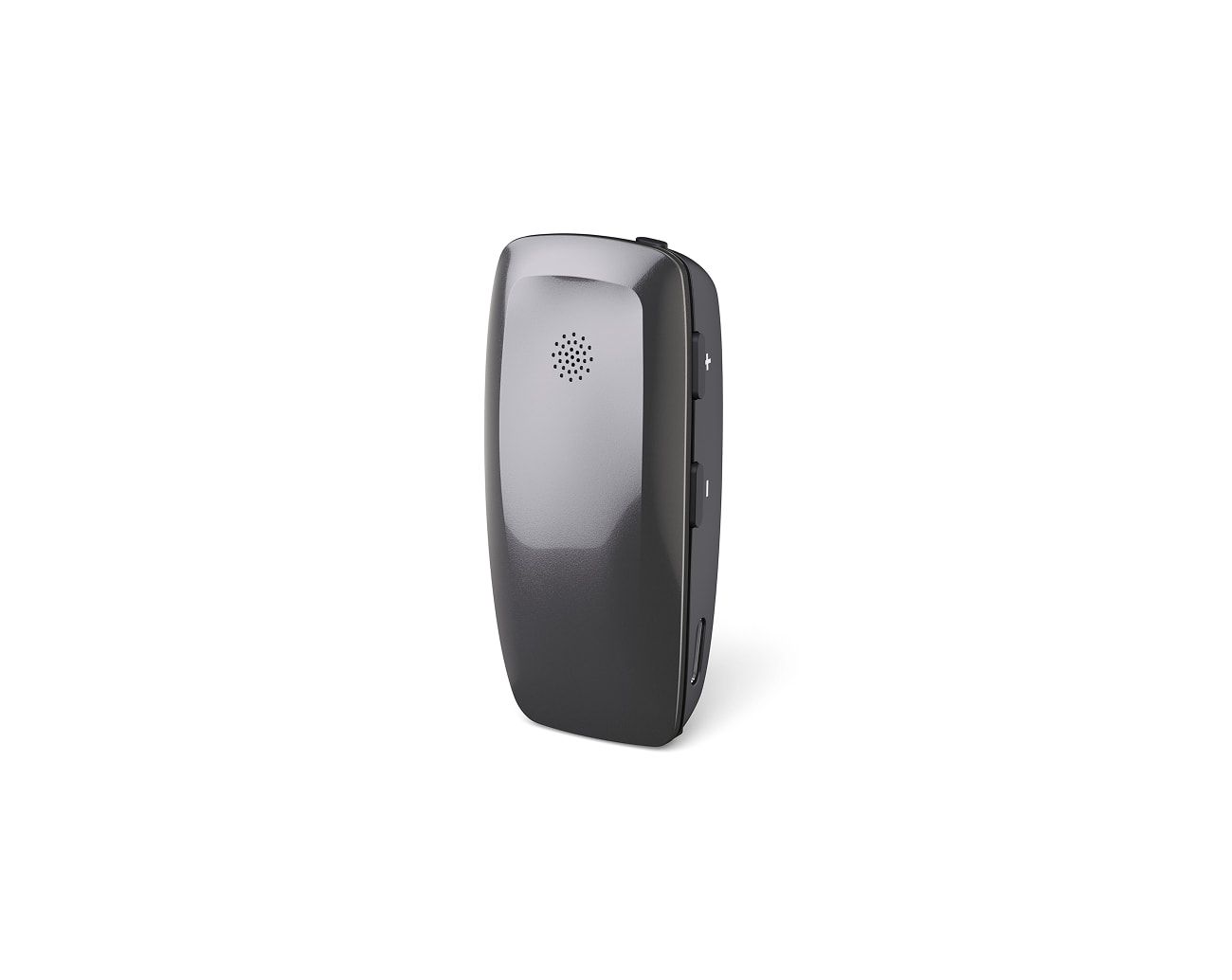
Multi Mic+
3.5 mm mini-jack input; check direct Auracast first on newer versions.
Examples: Enhance Select 500, 700
Official page


Already own one of these original-brand accessories?
If any microphone or streamer below already sends sound to your hearing aids and accepts analog audio, keep it. Add AuraGo and the correct cable to hear Auracast broadcasts at churches, theaters, conferences, community centers and at home.

3.5 mm mini-jack input; check direct Auracast first on newer versions.


The original model accepts audio through its mini-jack input.


Its 3.5 mm jack sends external audio to paired Oticon aids.

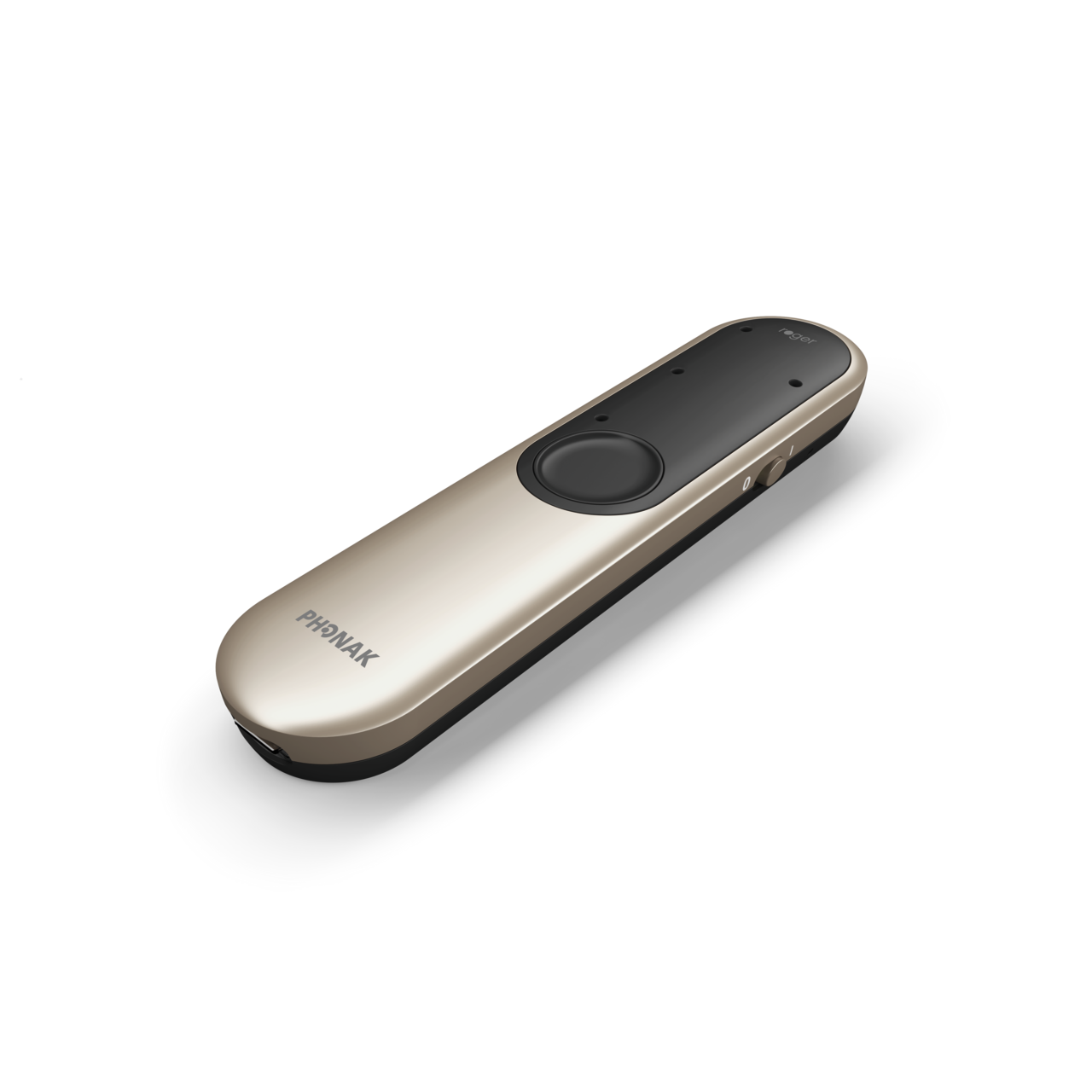
Use the docking station’s 3.5 mm analog audio input.

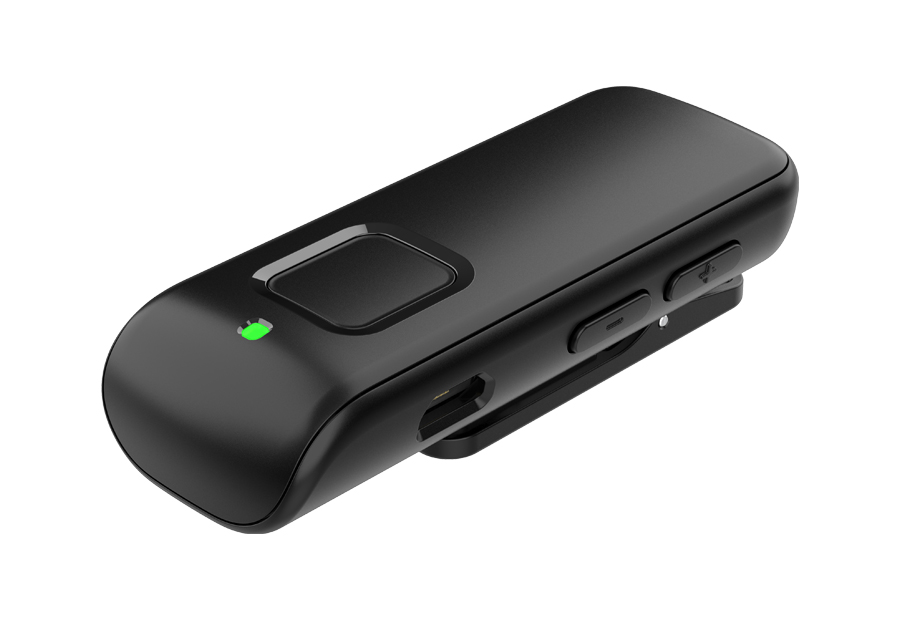
Accepts a line-in source with the specified Starkey cable.


Use the analog input with the correct 3.5 mm audio cable.


Connect AuraGo to its RCA analog input with the right cable.


Accepts analog audio through RCA or a mini-jack adapter.
Compatibility note: These model families are examples, not a complete guarantee. Confirm the exact hearing aid generation, accessory version, analog input and required cable before ordering.
Three simple steps
Use the same bridge in more places
Bring clearer broadcast audio into the hearing aids you already wear—without relearning a new fitting or replacing a working pair.


Check first: if your hearing aids or newest accessory already receive Auracast directly, use that shorter path and skip AuraGo.
Before you order
No. Compatibility varies by model, generation, region, firmware and fitting. Confirm that your exact accessory already streams to your exact hearing aids.
Many microphones use 3.5 mm stereo. Some TV streamers use RCA, and Starkey may require its specified line-in cable. Follow the accessory manual.
No. The normal path is Auracast broadcast → AuraGo → analog cable → original-brand accessory → hearing aids.
Streamed audio can arrive slightly later than loud room speakers. Sit farther from speakers and reduce the hearing-aid microphone mix if your fitting allows it.
Already own one of the eight accessories?
Keep your hearing aids, keep the original-brand streamer, and add Auracast reception for home and public venues.

 Assistive Listening
 Instant Venue Audio
 Guided Tour