VERSAND
2–5 Werktage. Kostenlose Rücksendung innerhalb von 60 Tagen mit vorfrankiertem Etikett auf Anfrage.


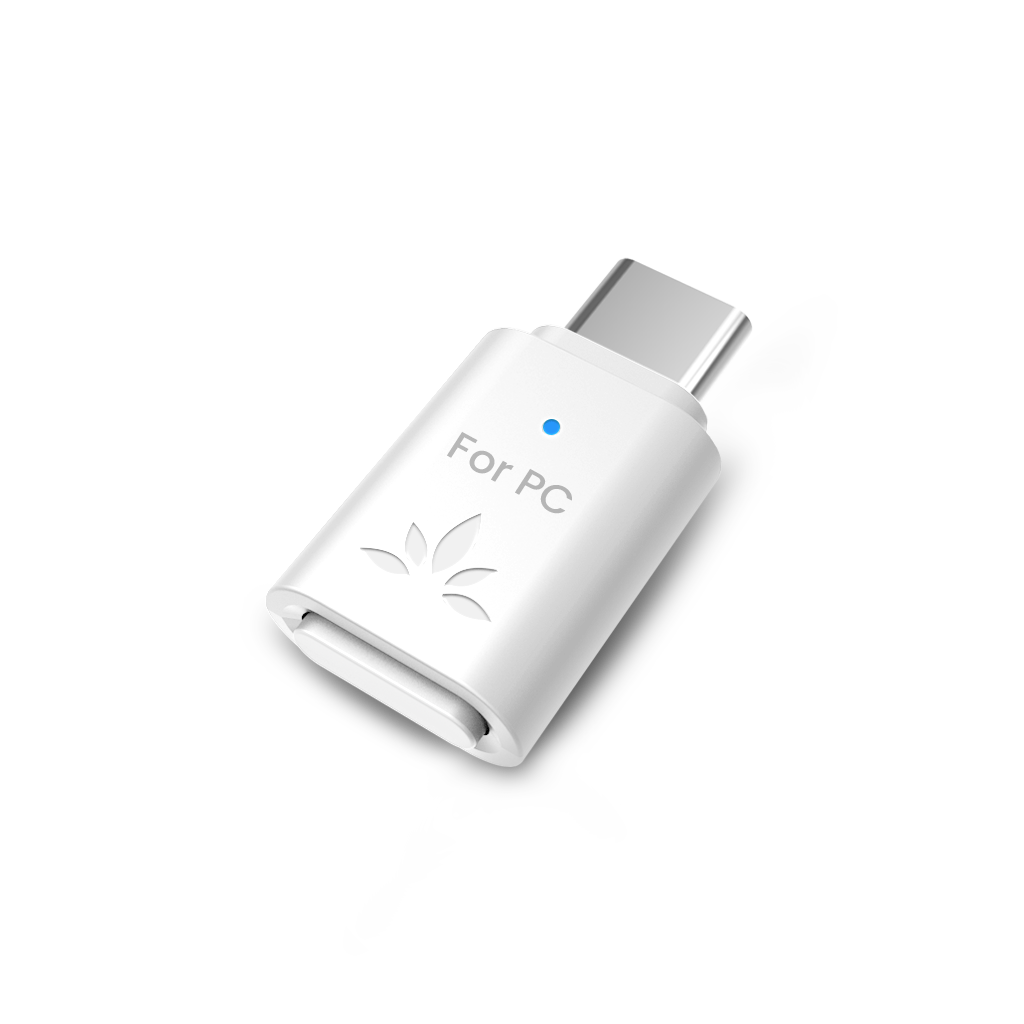
USB-C Bluetooth 5.3 Adapter for PS5 & Gaming Consoles with Low Latency & aptX-Adaptive, Wireless Audio Transmitter for Headphones & Earbuds
| Wireless Technology | Bluetooth v5.3 |
| Supported Audio Codecs | aptX-HD, aptX Adaptive, aptX-LL, aptX, SBC |
| Supported Bluetooth Profiles | A2DP, AVRCP, HSP, HFP |
| Operating Range | Up to 100ft / 30m |
| Frequency Range | 2.4GHz - 2.48GHz |
| Size | 14mm x 26mm x 7mm |
| Net Weight | 3g |
| Jack Type | Type C |
| Audio Source |
Devices with USB Type-C or USB Type-A ports |
| Compatible Devices |
Bluetooth headphones, earbuds, speakers Not compatible with PULSE 3D headset, 2.4G wireless headsets, wired headphones, keyboards, mice, or controllers |
| Use Cases |
Wireless audio transmission from PS5 / PS4 / Switch to Bluetooth headphones or earbuds (e.g., AirPods) For PC use, please consider the C81-PC version |
✅ For best performance and clear instructions,
👉 check our C81‑Gaming Interactive Setup Guide.


Q: Will the C81-Gaming work with my headphones?
A: Yes, it works with most Bluetooth headphones and earbuds, including AirPods, Bose, and Sennheiser. However, it does NOT work with the PS5 PULSE 3D headset, PS Portal, or any 2.4GHz gaming headsets. (Note: Does NOT support connecting two headphones simultaneously.)
Q: Can I use the C81-Gaming with other devices besides PS5?
A: The C81-Gaming is designed primarily for PS5 and PS4. It does not work with Xbox, TVs, cars, PS Portal, PS5 Portal, cameras, projectors, printers, or as a Bluetooth receiver for speakers.
Q: Does the C81-Gaming support high-quality audio for games?
A: Yes. It supports aptX Adaptive and aptX HD for premium, low-latency audio. To enjoy these benefits, your headphones must also support the same codecs. Otherwise, sound quality and latency will depend on your headset’s capabilities.
Q: Can I use my Bluetooth headset's microphone with the C81-Gaming on PS5?
A: No. For voice chat, Bluetooth headphone microphones are not supported. Please use the microphone on the PS5 controller for communication while gaming. This ensures the best audio quality for both game sound and voice chat.
Q: What if I have trouble pairing my headphones?
A: Turn off Bluetooth on other nearby devices to avoid interference, ensure your headphones are in pairing mode, and reset both devices if needed. If you are using USB 3.2 ports, try the included USB extension cable to reduce interference.

 Assistive Listening
 Instant Venue Audio
 Guided Tour