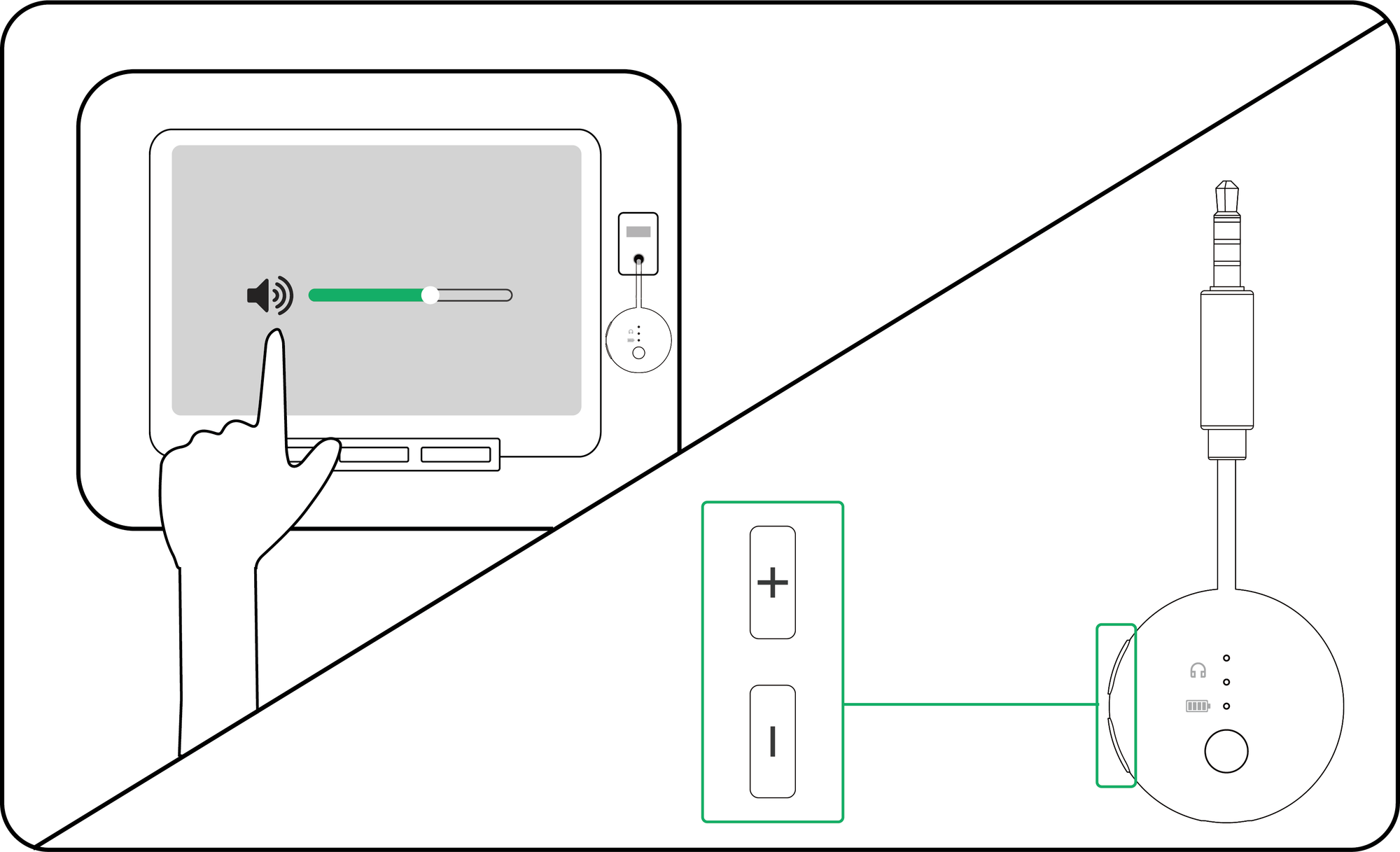
SoundJet R1Bluetooth transmitter
Headphones
Put your headphones in pairing mode
Turning them on is not enough.
- Turn off Bluetooth on nearby phones, tablets, and computers.
- Put your headphones into Bluetooth pairing mode.
- Wait for a flashing pairing light or pairing prompt.
DoneYour headphones are searching.
If notOpen the brand help below.
Headphone pairing helpChoose brand
Choose a brand to see its pairing steps.
AirPods / AirPods Pro
- AirPods 1–3 and AirPods Pro 1–2: keep them in the case, open the lid, then hold the rear setup button for about 5 seconds.
- AirPods 4 and AirPods Pro 3: keep them in the case, open the lid, then double-tap the front of the case.
Ready when: the case light flashes white.
AirPods Max
- Press and hold the noise control button for about 5 seconds.
Ready when: the status light flashes white.
Bose
- Turn on the headphones or open the earbud case.
- Hold the Bluetooth or power button until the light flashes blue or you hear “Ready to connect.”
Ready when: the light flashes blue or the voice prompt confirms pairing.
Beats
- Turn on the headphones.
- Hold the system or power button until the indicator flashes.
Ready when: the indicator flashes for pairing.
Sony
- With the headphones off, hold the power button for about 5 seconds.
- For Sony earbuds, use the case or touch-sensor pairing command for your exact model.
Ready when: the light flashes blue or you hear “Bluetooth pairing.”
Samsung Galaxy Buds
- Place both earbuds in the case, close it for 5–6 seconds, then open it.
- If pairing does not start, wear both earbuds and touch both touchpads until you hear the pairing sound.
Ready when: the earbuds announce pairing or show their pairing pattern.
JBL
- Hold the Bluetooth or power button until the indicator flashes rapidly.
- If JBL reconnects to a phone, turn that phone Bluetooth off and try again.
Ready when: the indicator flashes rapidly.
Other headphones
- Hold the power, Bluetooth, or main button until the light flashes rapidly.
- Check the headphone manual for the exact command if the light does not change.
Ready when: the headphone shows its documented pairing pattern.