


Wie können wir helfen?
Suche nach Thema, Produkt oder Seriennummer
Quick Access
Important Firmware Updates
These updates fix important issues and improve performance. Please update as soon as possible and bookmark this page — we post critical notices here first.
-
Voyager (Batch No.: 25B1 & 25F1)
Critical
Update to v0.5.8. Fixes a charging issue that could cause the adapter to lose power after an overcharge event. We recommend updating immediately.
Update Now -
Oasis Plus 2
Recommended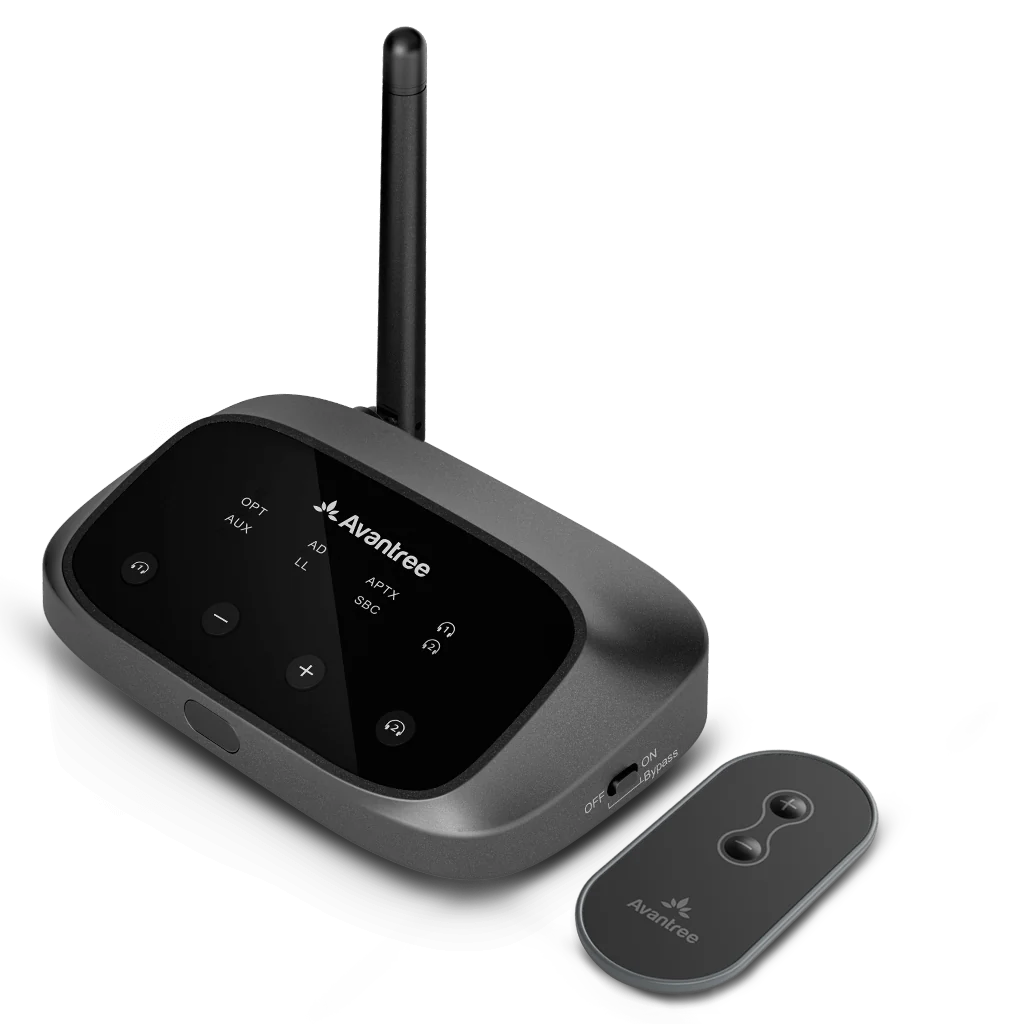
Optimizes pairing performance and improves stability.
Update Now
Nach Produktkategorie suchen
Suchen Sie nach Ihrem Produkt, sortiert nach Kategorie, um auf Benutzerhandbücher, FAQs und mehr zuzugreifen.


Quick Troubleshooting
1. TV Headphones No Sound
Step 1 — Headphones connected to the base?
- Remove headphones from base; make sure the base is ON.
- Check headphone LED:
🟢 Solid blue = Connected
🔴 Blinking / off = Not connected
Fix: See model list and follow Re-pair & Lock.
Step 2 — Is the TV sending audio to the base?
- Check transmitter INPUT LED (e.g., OPT).
🟢 Solid = Signal OK
🔴 Blinking / off = No signal
Quick TV settings: Sound Out → Optical Out; Digital Output → PCM.
Fix: Open TV setup list.
Model List — Re-pair & Lock
TV Setup — Optical Out + PCM
2. TV Speakers + Headphones Together?
Step 1 — Confirm your connection
- Using Avantree Transmitter (OPT/AUX): Keep the transmitter connected to TV audio out. Check the transmitter INPUT LED (e.g., OPT) → 🟢 Solid = Signal OK / 🔴 Blinking/Off = No signal.
- Using TV’s built-in Bluetooth: Stay paired but note many TVs mute speakers by default in BT mode.
Next: Enable simultaneous output in TV audio settings → Open TV brand setup list.
Step 2 — Enable “TV Speaker + External” (or “Multi-Output”)
- On your TV, go to Sound / Audio Output.
- Look for options like TV Speaker + Optical, TV Speaker + Bluetooth, Multi-Output Audio, or Simultaneous Output.
- Set Digital Output Format → PCM (most stable with transmitters).
Need brand-specific steps? Open TV brand setup list.


Brauchen Sie Hilfe?
Haben Sie Probleme, die gesuchten Informationen zu finden? Wir helfen Ihnen gerne.
- Die Auswahl einer Auswahl führt zu einer vollständigen Seitenaktualisierung.