

Best for
- Straightforward private TV listening
- Seniors who prefer auto-paired headphones
- Optical or AUX TV connections


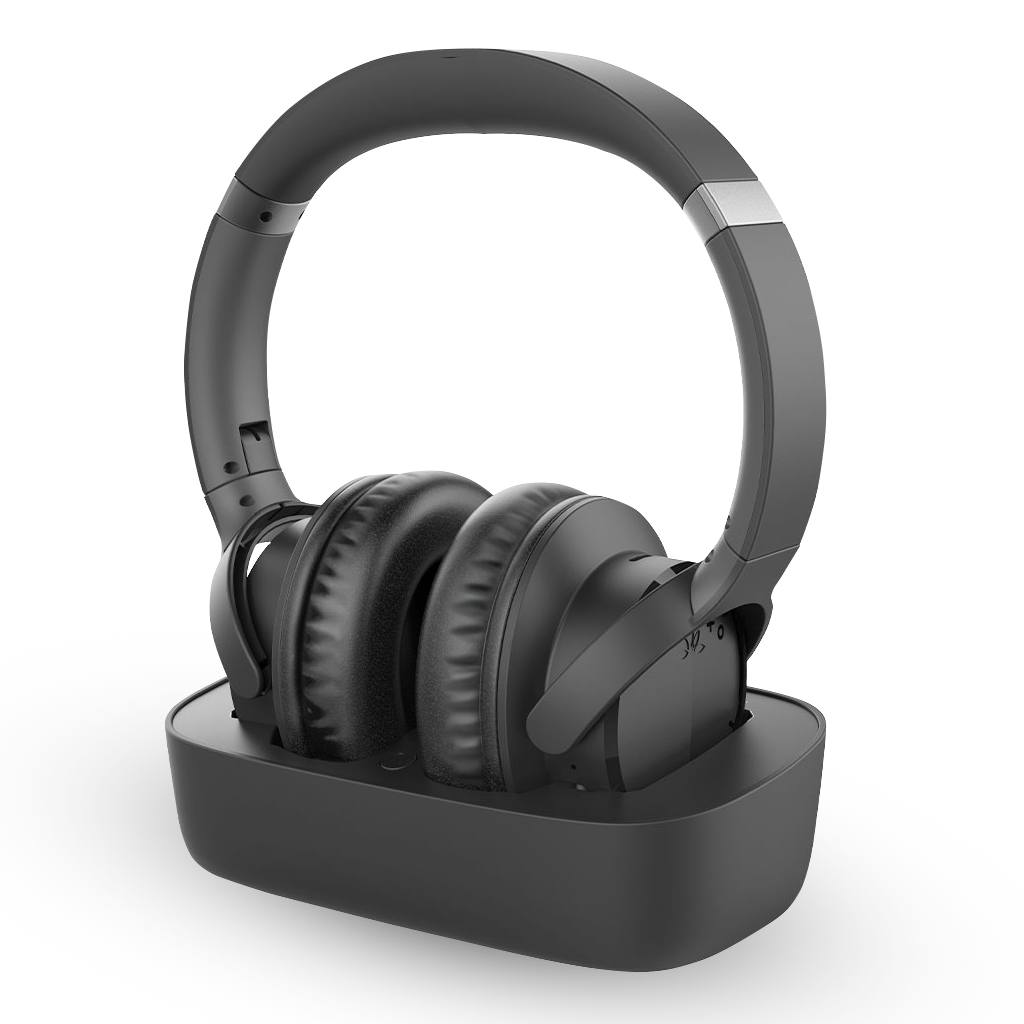
Casque TV sans fil avec émetteur/base de chargement
| Audio Source | Universal – Any TV (old or new), or device with HDMI ARC, Optical, or AUX output |
| Compatible Devices |
Headphones: Ensemble headphone AS50, Aria AS90 / Aria Pro / 90P / Aria Me / 90TA, Audition AS9, Avantree NB16 / NB18, Avantree Torus / NB05 Transmitters: Ensemble original charging and transmitter base, Avantree Oasis Plus (NOT Oasis Plus 2), Avantree Orbit, Avantree Orbit Pro |
| Use Cases | TV watching at home, family sharing, or quiet listening in shared spaces |
| Bluetooth Version | BT5.2 |
| Bluetooth Profiles | HSP v1.2, HFP v1.6, AVRCP v1.0, A2DP v1.0 |
| Audio Codec Support | aptX Adaptive, SBC |
| Operating Range | Class 2, up to 30 ft / 10m |
| Operating Time | Up to 35 hours play time |
| Battery Capacity | 550mAh |
| Impedance | 32Ω (Ohms) |
| Net Weight | 234g |
| Earpad Inner Size | 55±1.5 × 43±1.5 × 15±1.5mm |
| Bluetooth Version | BT5.2 |
| Bluetooth Profiles | HFP v1.7, AVRCP v1.5, A2DP v1.3 |
| Audio Codec Support | aptX Adaptive, SBC |
| Operating Range | Class 1, up to 100 ft / 30m |
| Net Weight | 135g |
| Size | 160 × 94.8 × 47.4mm |
| Barcode | 6945624903082 |
Best for
Check before buying
Before buying
Check the TV audio output, listener type, and simultaneous-speaker needs before purchase.
For Optical/TOSLINK connections, set the TV digital audio format to PCM or Stereo unless the product page says otherwise.
| TV audio | ||
|---|---|---|
| Optical / AUX | Supported | The transmitter and headphones are pre-paired. |
| HDMI-only TV | Requires accessory | Use an HDMI ARC audio extractor. |
| Soundbar | ||
| Audio passthrough | Not supported | Check whether the TV can output to its speakers simultaneously. |
| Multi-listener | ||
| Compatible Bluetooth headphones | Up to 2 | The transmitter can support two compatible headphones. |
Compatible add-ons and additional listeners for this product.
Packaging list pending confirmation.
Yes if the TV has Optical/TOSLINK or 3.5 mm AUX output.
The included transmitter and headphones are pre-paired.
The system does not provide soundbar passthrough.
Select Optical output and PCM or Stereo audio format.
| Buying difference | ||
|---|---|---|
| Volume boost | No | Yes |
| Playtime | Up to 35 hr | Up to 35 hr |
| Multi-listener | Up to 2 Bluetooth | Auracast expansion |
| Best for | Simple TV listening | Senior-friendly extra volume |

 Assistive Listening
 Instant Venue Audio
 Guided Tour

