
Skip to guide
PDF Guide
PL

Interactive user guide

PowerByte Setup Guide

FM radio and speaker setup

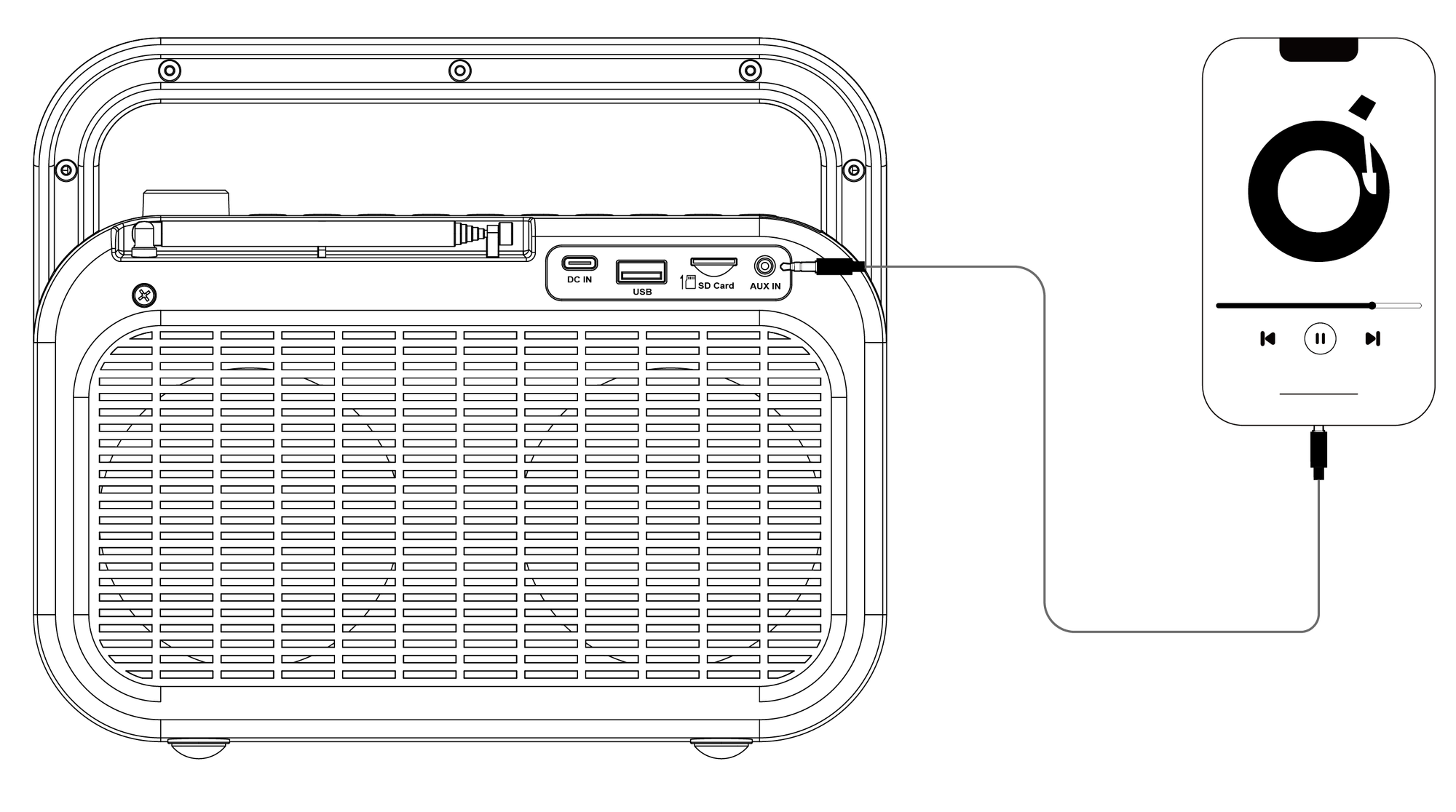
Choose FM, Bluetooth, MicroSD, USB, or AUX. Follow the matching steps and check the expected result.

STEP 1 · CHARGING

Charge PowerByte.

You can use PowerByte while it charges. A full charge takes about 3 hours.

  • Connect: USB-C, 5 V / 3 A
  • Charging: battery icon blinks
  • Full: battery icon stays solid
  • Playtime: up to 20 hours
How to charge PowerByte.
Next: Choose a source →

CHOOSE A SOURCE

What do you want to hear?

Choose one. Only its steps will open.

FIX A PROBLEM

What is happening?

Open the problem that matches what you see or hear.

No power or the screen stays dark

You see: the screen stays dark after you turn the knob to ON.

Do this:

  1. Charge for at least 30 minutes.
  2. Use a 5 V / 3 A USB-C source.
  3. No blinking battery icon? Try another cable or charger.

You should see: the screen turns on.

Still dark? Submit a PowerByte support ticket.

FM has static or weak reception

Do this:

  • Fully extend the antenna.
  • Reposition it. Move near a window.
  • Move PowerByte away from routers, TVs, microwaves, metal, and other electronics.
  • Try another station or room.

You should hear: clearer reception.

Still weak? Test several locations. If reception stays weak, contact support. Include your location and setup.

Bluetooth device cannot find PowerByte

Do this:

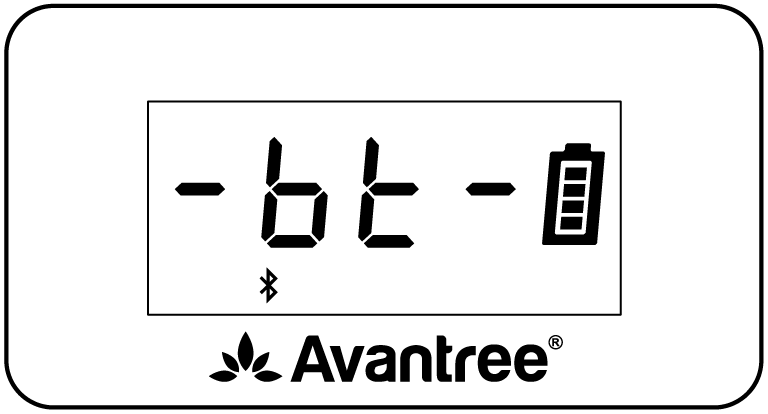
  1. Press MODE until Bluetooth appears.
  2. Disconnect PowerByte from the last paired device.
  3. Select Avantree PowerByte again.

You should see: Connected. Your audio starts playing.

Still not connected? Use Factory Reset below.

MicroSD or USB mode does not appear

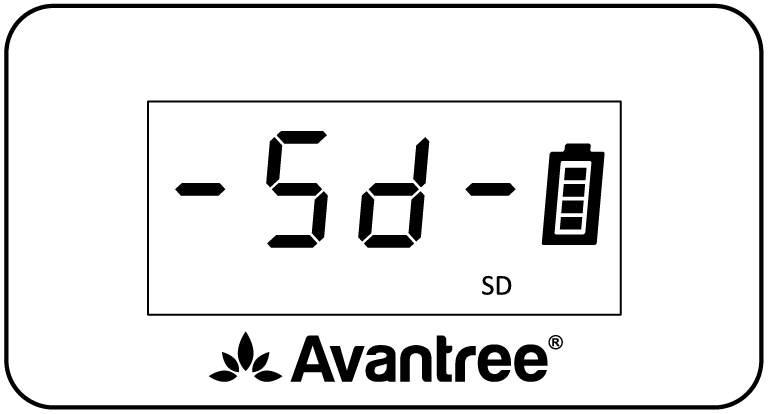
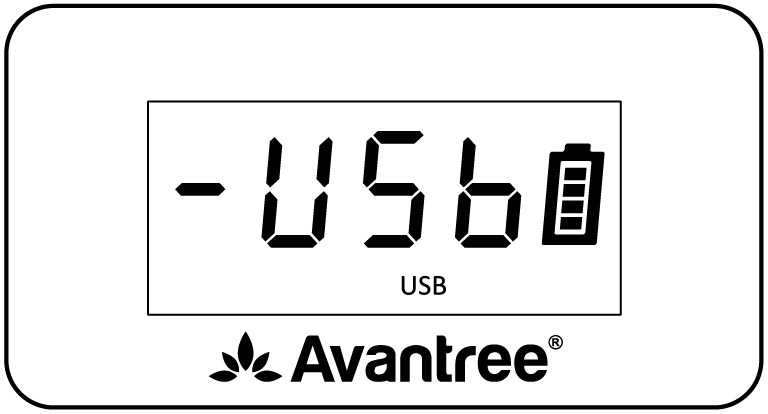
You see: MODE skips MicroSD or Music.

Do this:

  • Reinsert the card or drive.
  • Use 32 GB or less.
  • Add MP3, WMA, WAV, APE, or FLAC files.

File limit: 88 kHz or higher audio is not supported.

You should see: the mode appears. Music starts.

Factory reset
  1. Turn PowerByte on.
  2. Press and hold MODE and 0 together for 5 seconds.

You should see: the reset completes and PowerByte returns to FM mode.

This erases saved FM stations and Bluetooth pairing history.

REFERENCE

Buttons and functions.

Playback controls

OFF / ON / − / +
Power and volume
MODE
Bluetooth, MicroSD, USB, and AUX
<SEEK / SEEK>
Previous/next track or FM channel
⏯
Mute FM/AUX; play or pause other modes
FM
Press for FM; hold to auto-scan
<TUNE / TUNE>
Change FM frequency by 0.1 MHz

Number, EQ, and Timer

0–9
Enter/save FM stations or select a media track
MODE + 1 / 2 / 3
Repeat One / Repeat All / Shuffle
EQ
Balanced / Voice Clear / Bass Boost
Timer
30 / 60 / 90 / 120 minutes / Off

Voice prompts and reset

⏯ + SEEK>
Hold 5 sec: enable voice prompts
⏯ + <SEEK
Hold 5 sec: disable voice prompts
MODE + 0
Hold 5 sec: factory reset

Charging and media

Input
USB-C, 5 V / 3 A
Full charge
About 3 hours
Average battery life
Up to 20 hours
Media
MicroSD or USB, up to 32 GB
Files
MP3, WMA, WAV, APE, FLAC; no 88 kHz+ audio
Official PowerByte tips and tricks.