Open NuEar Hear Circle
Open the NuEar Hear Circle app on your phone.

Interactive user guide
Listen to Auracast directly, or use a receiver.
Step 1 · Choose your setup
Select your NuEar model below. If it isn’t listed, choose an option that matches your hearing aids.
 Auracast hearing aidsNoble AIUse NuEar Hear Circle
 You can hear music from your phone through your hearing aids

 You can switch your hearing aids to “T” or “MT”
Look for a T or MT setting in your hearing aid app or paperwork. If you cannot find one, ask your hearing care professional.
Setup path
Pair the hearing aids with your phone before opening the app.
Open the NuEar Hear Circle app on your phone.
Tap Stream options on the Home screen.
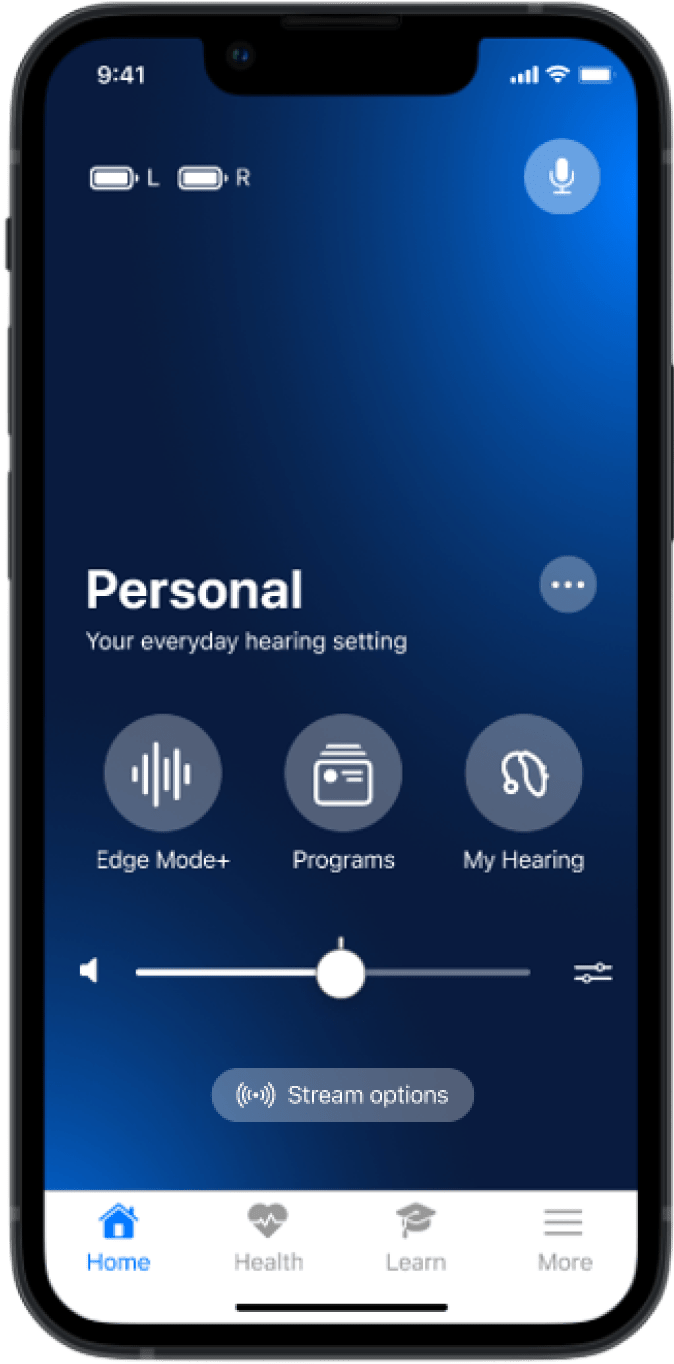
Tap Auracast broadcasts.
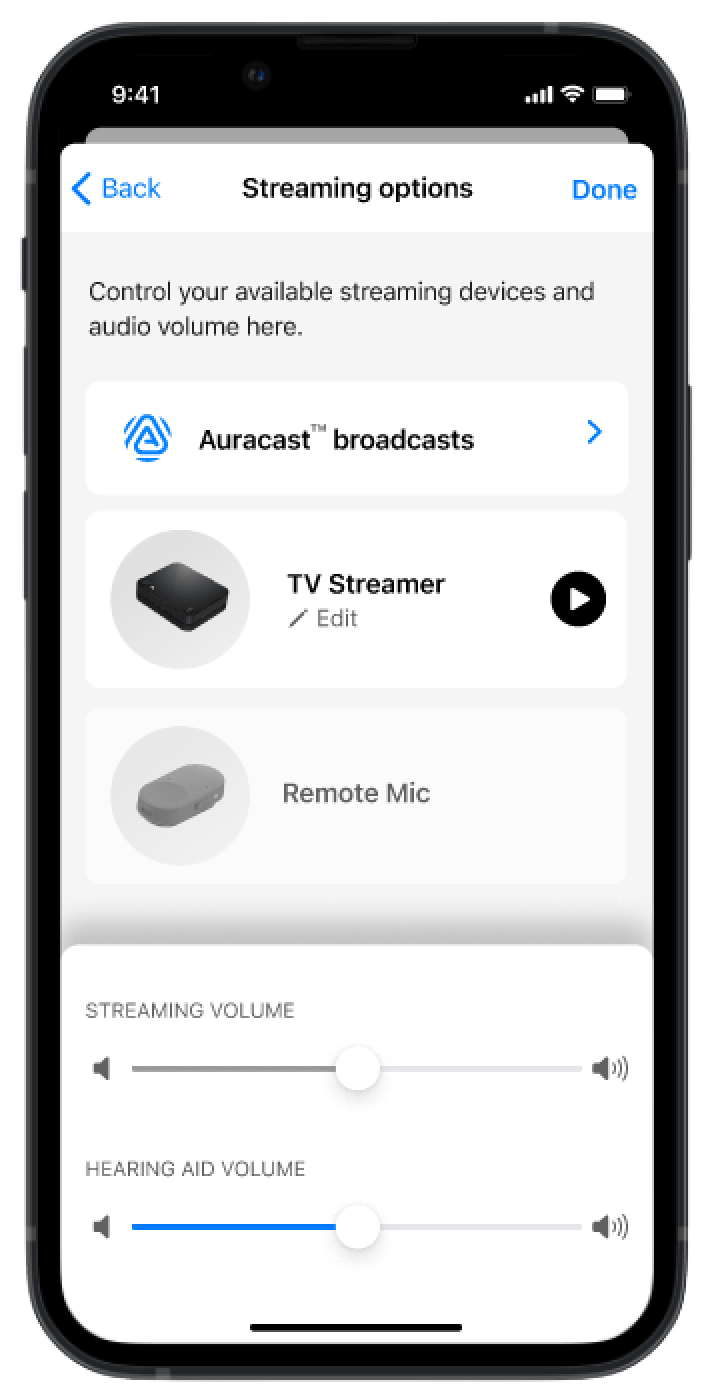
Choose the broadcast you want. When connected, its audio should play through your hearing aids.
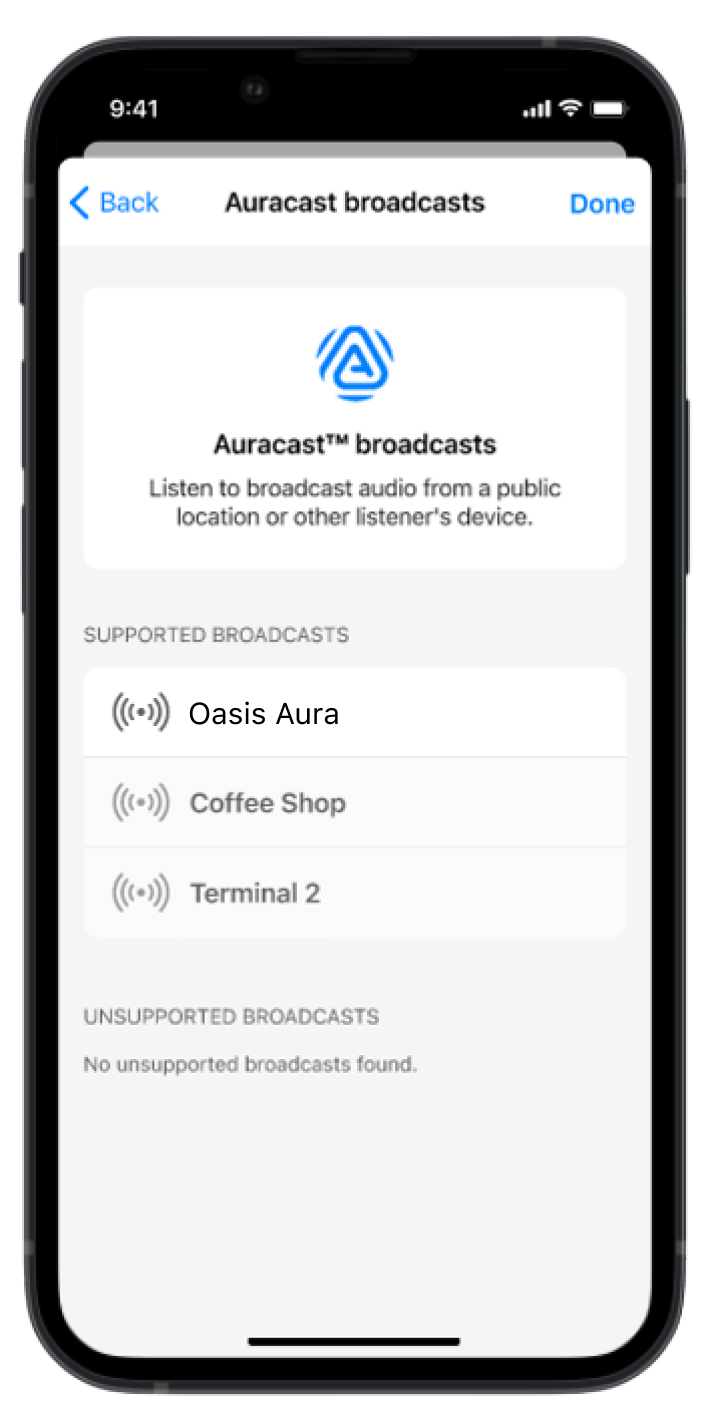
Set the streaming and hearing-aid microphone levels to a comfortable balance.
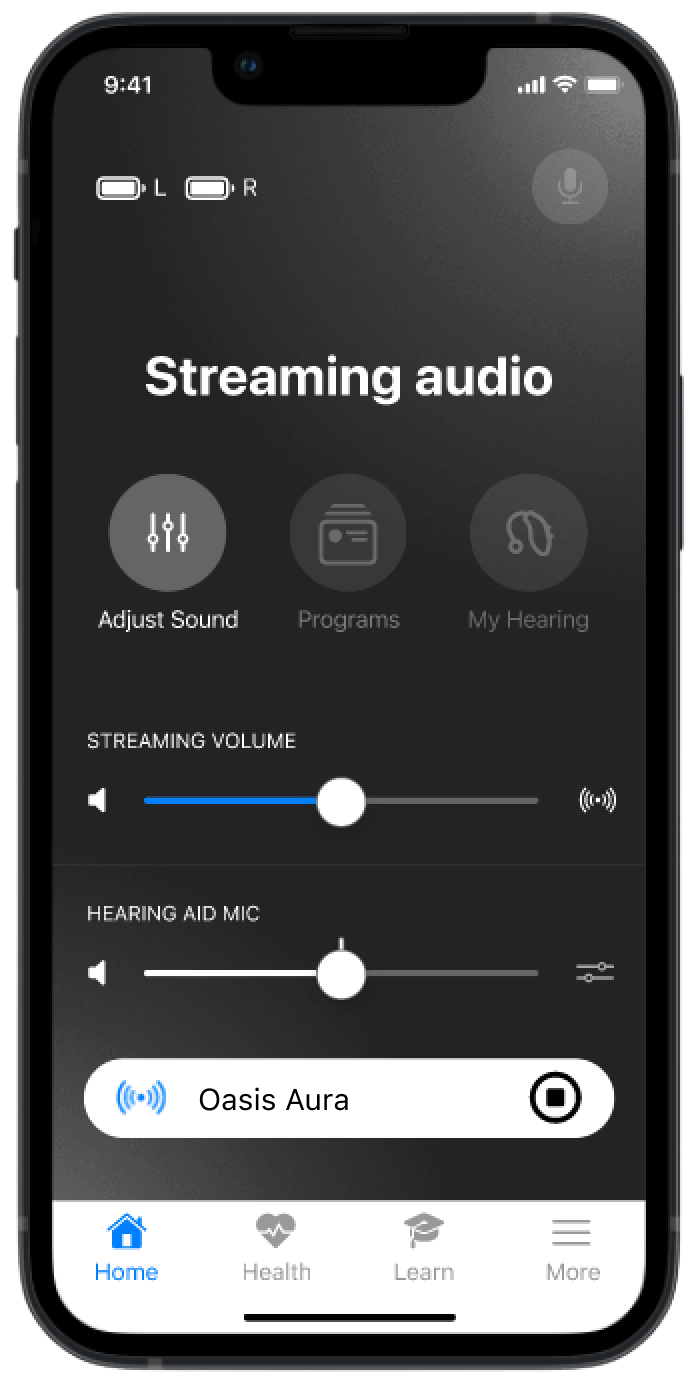
Done: You hear the Auracast broadcast through both Noble AI hearing aids at a comfortable volume. If not: open Common issues.
Other ways to listen
Aura C phone hearing aids
Aura C does not pair directly with hearing aids.
Set up Aura C →Switch to T or MT. The neckloop sends the broadcast to your hearing aids.
AuraCoilBuilt-in neckloop
Set up AuraCoil →AuraClipNeeds a compatible 3.5 mm T-coil neckloop
Set up AuraClip →TROUBLESHOOTING
Match what you hear, try the action, then check the expected result.
Recognize: the broadcast appears selected, but your hearing aids are silent.
Expected: broadcast audio plays through both hearing aids. If it does not, restart the broadcast source and repeat the scan.
Recognize: broadcast audio plays, but room sound makes it difficult to understand.
Expected: the broadcast becomes clearer without uncomfortable loudness.
Recognize: the same broadcast reaches you through your hearing aids and a nearby speaker at slightly different times.
Expected: only one synchronized audio path remains.