
Connect by Bluetooth
- Slide the remote power switch to ON. Slumber 2 normally enters pairing mode automatically. Look for the BT light flashing red and blue.
- If it does not flash red and blue, use your remote’s Bluetooth control. Press BT, then hold for 3 seconds. Press the
 button to select BT, then hold it for 3 seconds.
Turn on and enter Bluetooth pairing mode - Open Bluetooth settings and select “Avantree Slumber 2”. Success: the BT light turns solid blue.
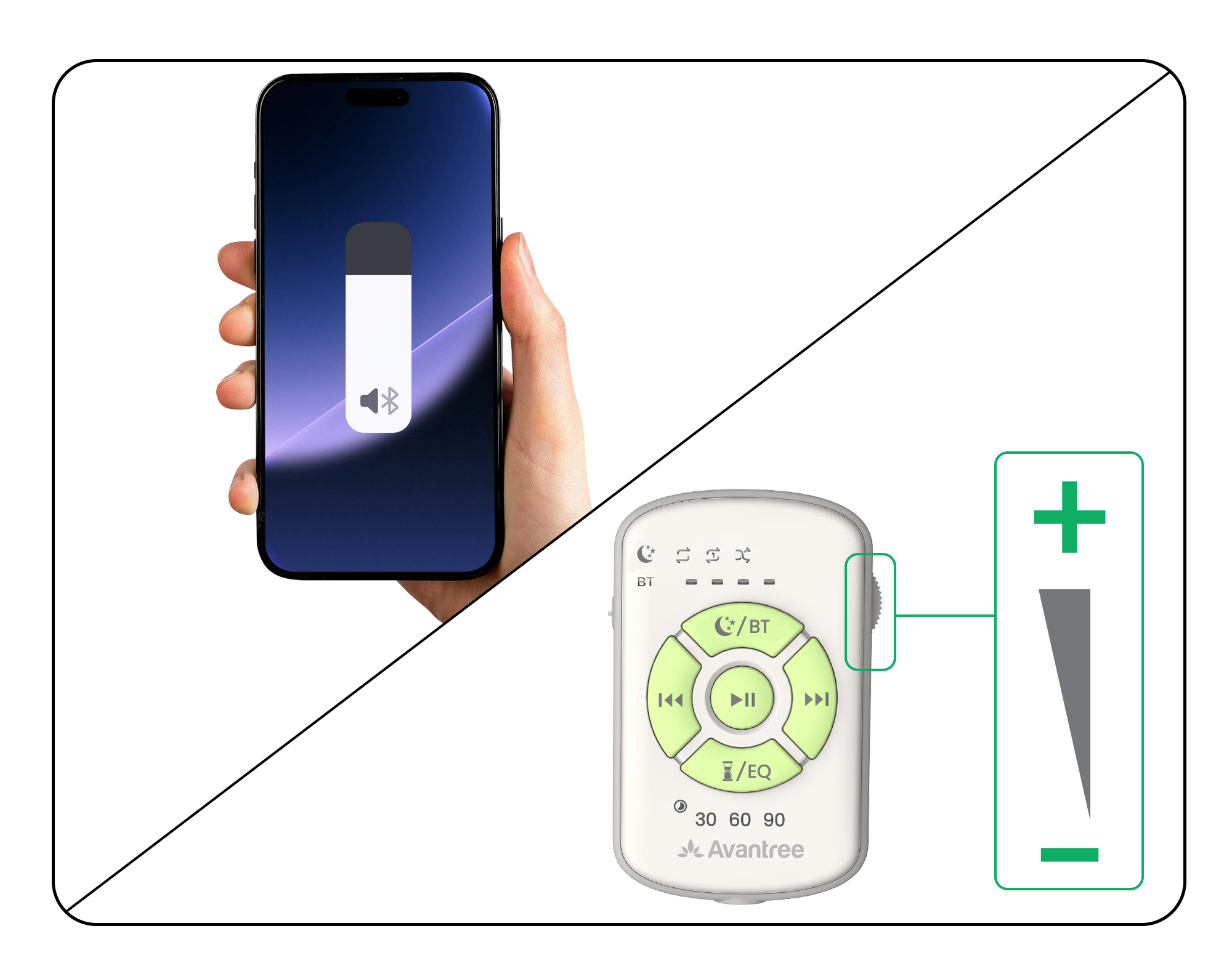
Select Avantree Slumber 2 on your phone - Confirm audio playback. Press ▶❚❚ and confirm that media is playing through “Avantree Slumber 2.”
Bluetooth setup complete: the BT light is solid blue and the phone shows Slumber 2 as the media output.
Audio cuts out, skips, or misses first words? Open the quick fix →
Paired but silent? Continue to Adjust Volume first. If sound is still absent after checking both controls, open Paired, but no sound.