

Connect your TV
Find an AUDIO OUT port on your TV. Choose the first matching option.
Not sure? Take photos of your TV ports and model label.
Contact Support →
Connect Optical
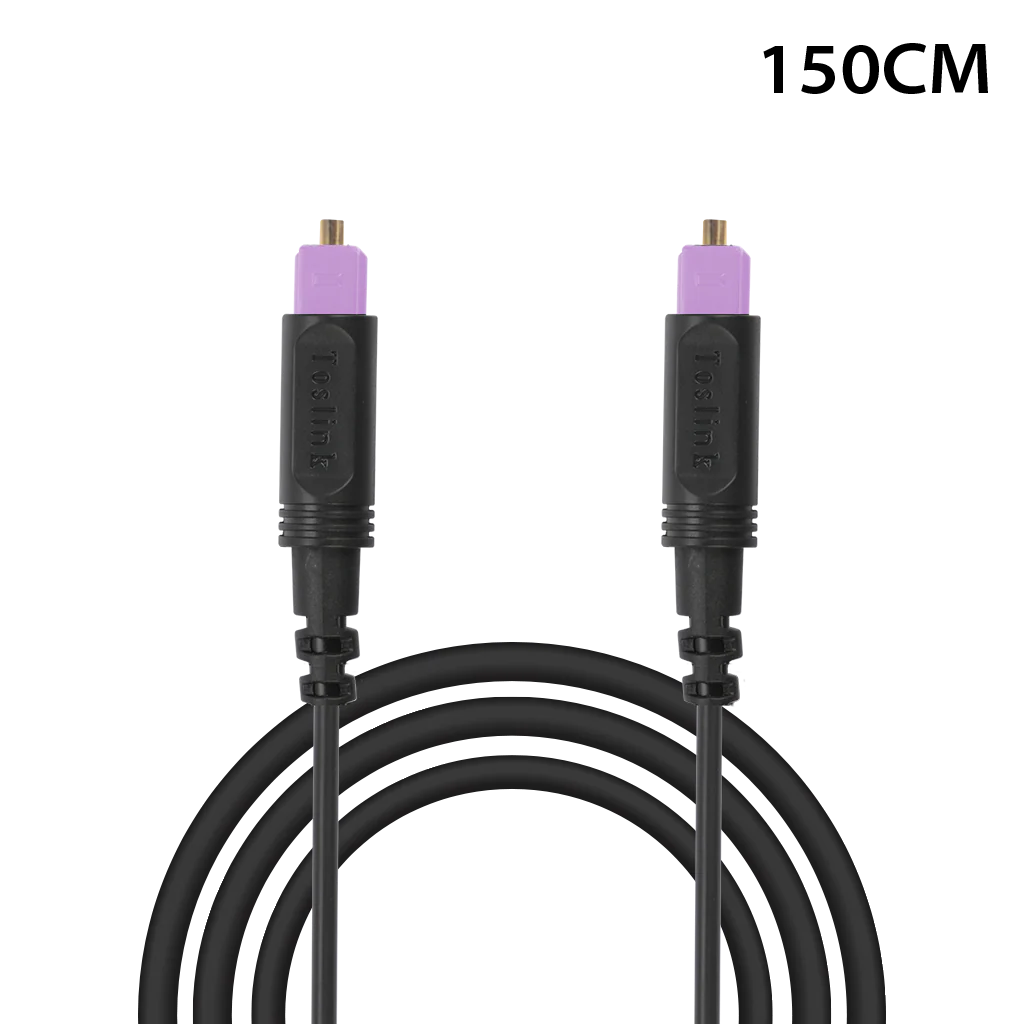
- Remove the clear protective caps from both cable ends.
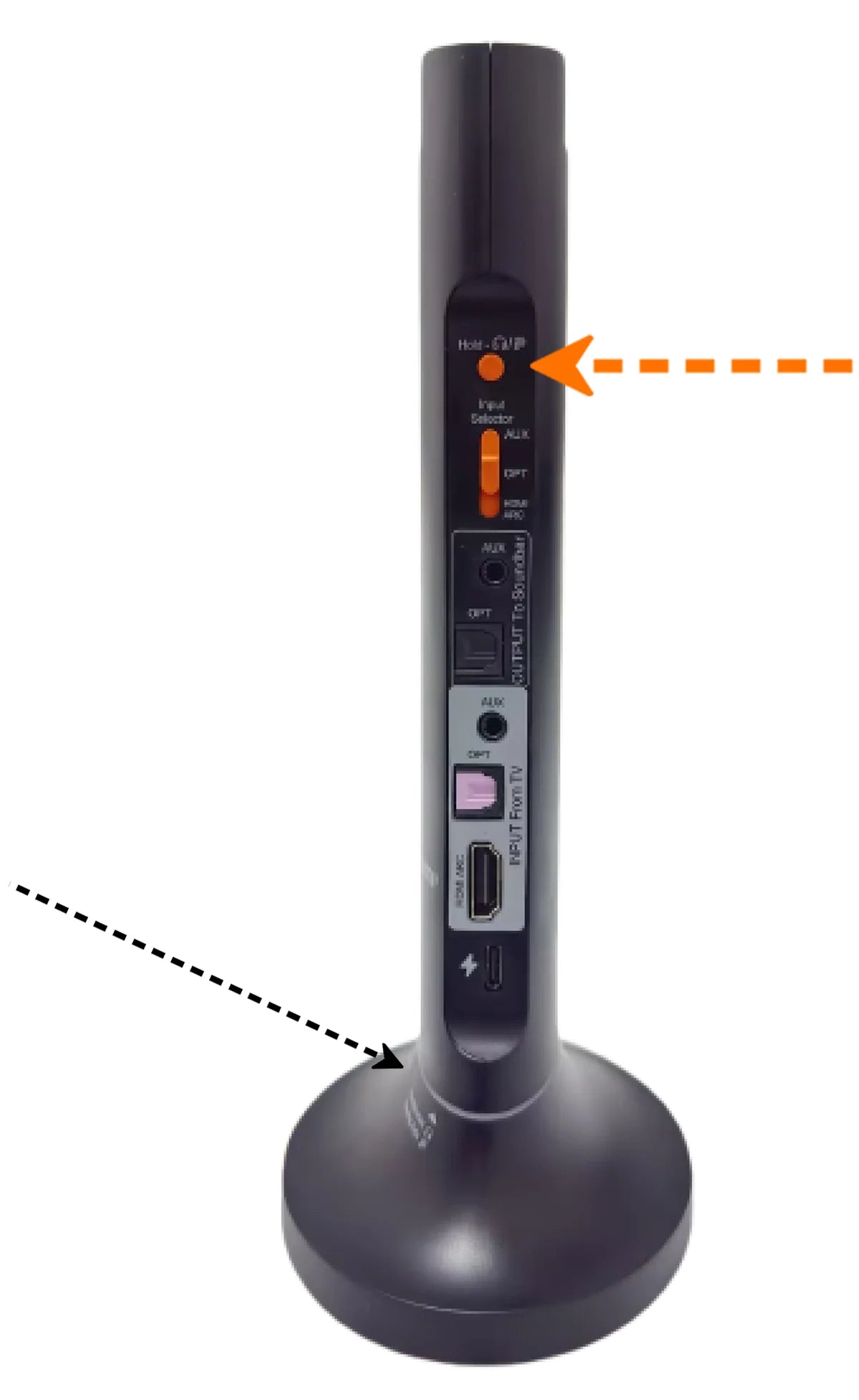
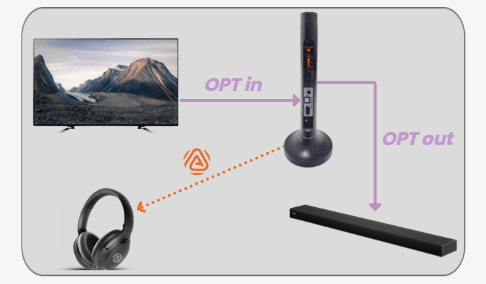
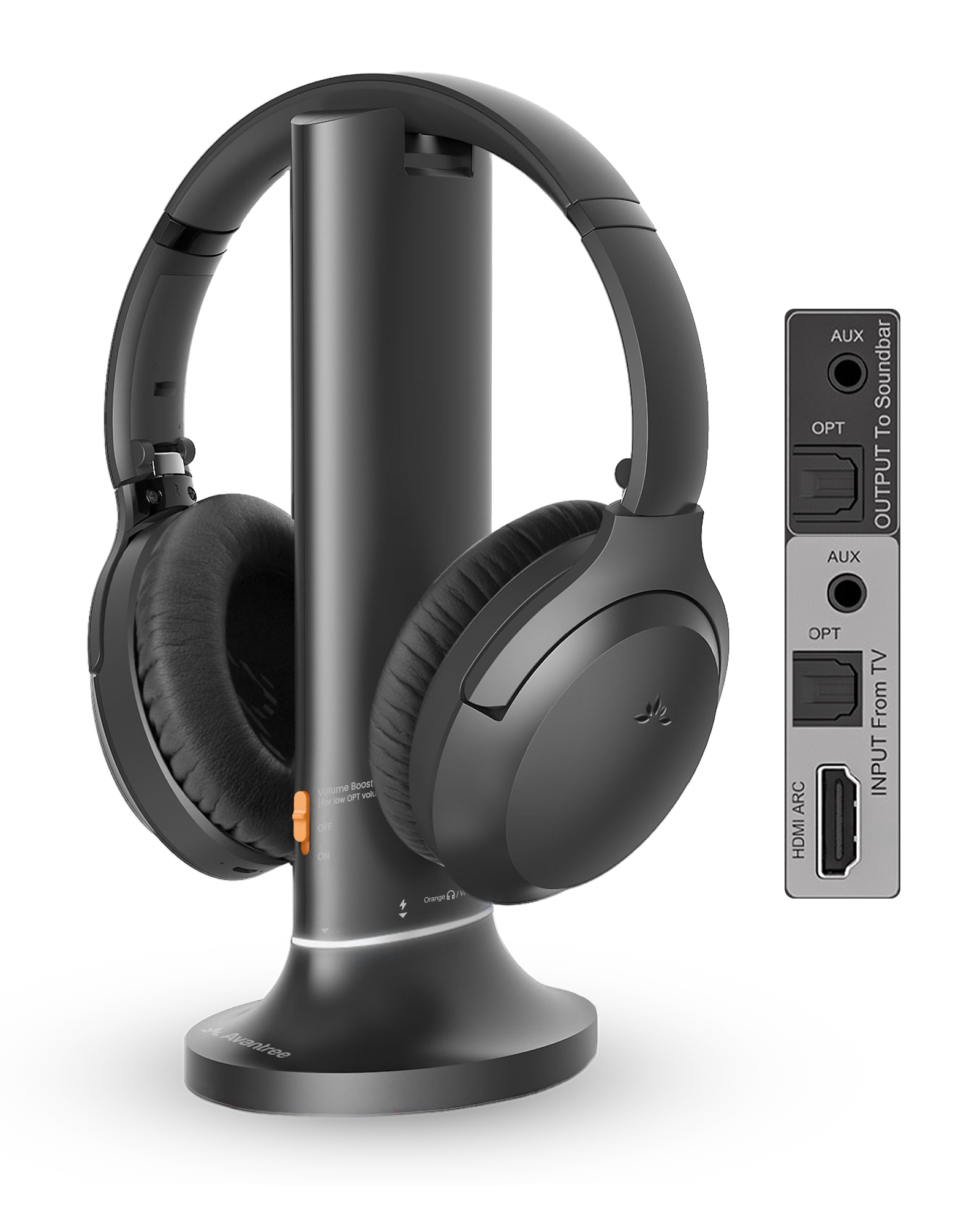
- Connect TV OPTICAL OUT / DIGITAL AUDIO OUT to transmitter OPT IN. OPT OUT is for a soundbar.
- Set the transmitter Input Selector to OPT.
Connect HDMI ARC
- Use only the TV port labeled HDMI ARC or HDMI eARC.
Using eARC? Turn eARC Off to get sound. See Step 3.
- Connect it to the transmitter HDMI ARC input.
- Set the transmitter Input Selector to HDMI ARC.
Connect AUX
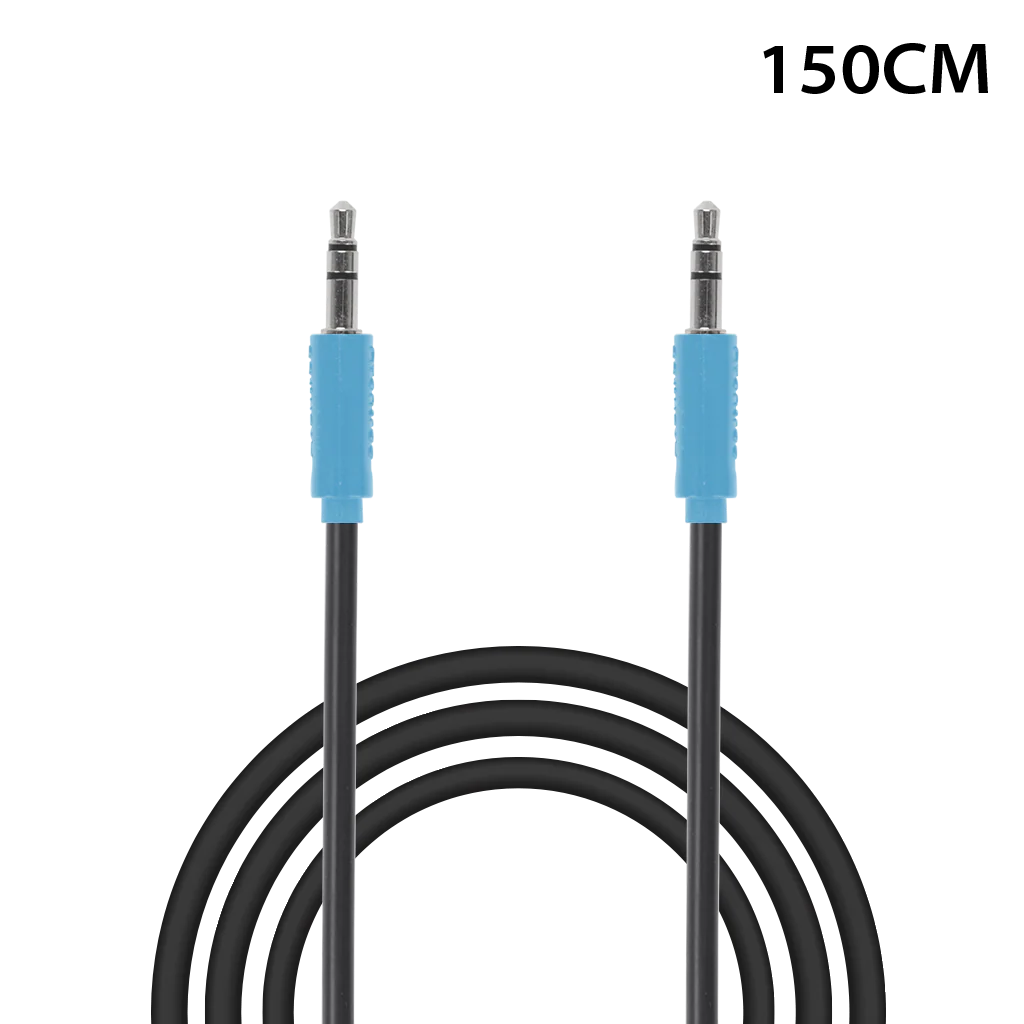
- Connect TV HEADPHONES / AUDIO OUT to transmitter AUX IN.
- Set the transmitter Input Selector to AUX.
ReadyBoth cable ends are fully inserted; the Input Selector matches your cable.