
Hold CHANNEL for 5 seconds.
White flashes.

Interactive user guide
Join an open Auracast broadcast and listen directly with AuraBand.
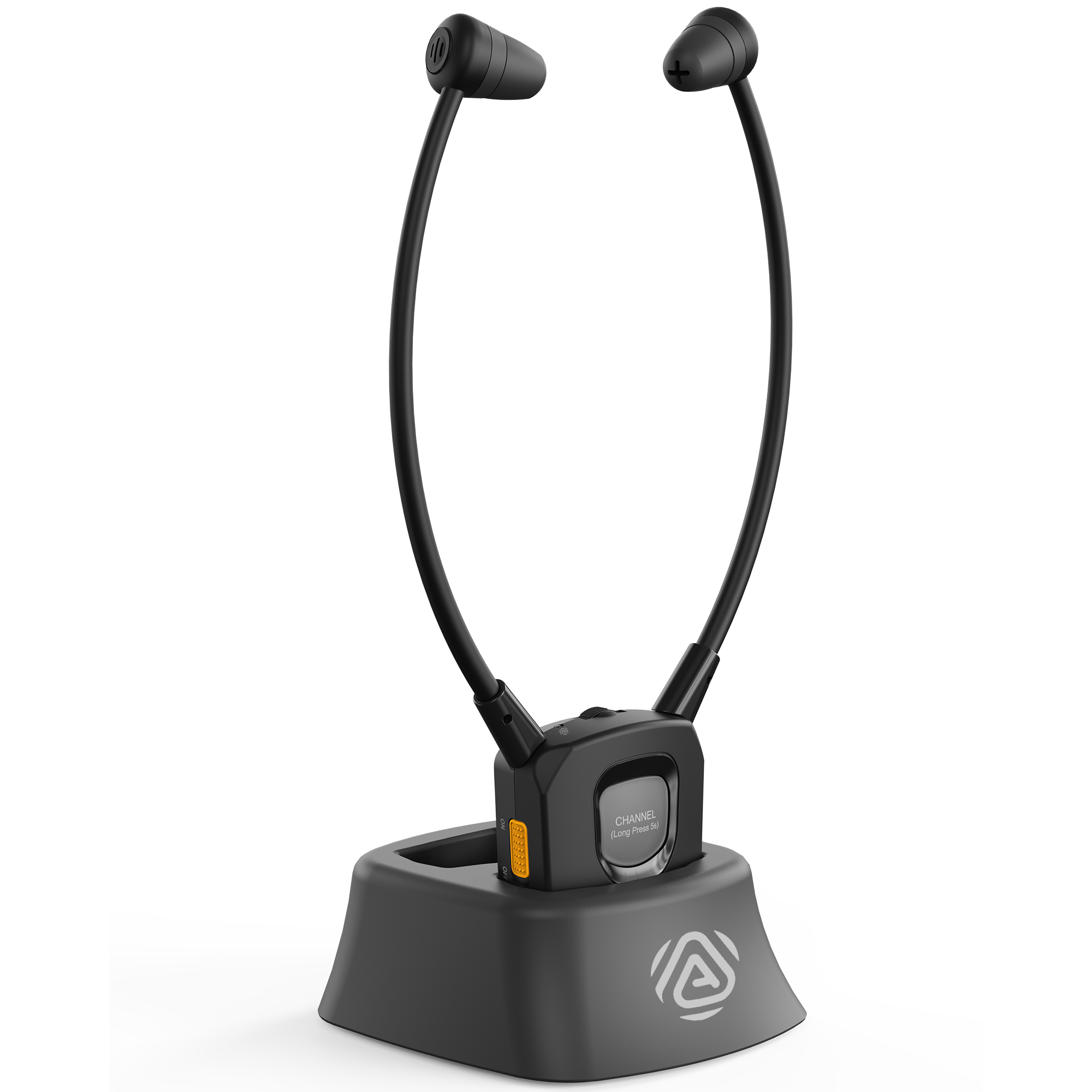
Quick setup
AuraBand finds a nearby open broadcast automatically.
Check for a broadcast.Make sure there is an open broadcast nearby.
Switch AuraBand ON.White flashes while it searches.

Adjust the sound.Start low. Set the volume, then center the L/R balance.

Still flashing? Move closer. Switch AuraBand OFF, then ON.
Open broadcasts only for now. App support is coming soon.
Use AuraBand

White flashes.
You are on a new broadcast.
AuraBand returns to the previous broadcast.
Charging
Switch it off before placing it in the powered dock.
Red = charging. Off = full.
The battery is replaceable.

Care
Gently pull each tip off its earbud.
Choose a 70% isopropyl alcohol wipe or pad.
Clean the outside and inner opening.
Set the tips on a clean tissue or cloth. Then put them back on.
Fix a problem
Ready: solid white + sound.
No new broadcast? AuraBand returns to the previous one.
Ready: clear, comfortable sound in both ears.
Use an open broadcast for now. App support is coming soon.
AuraBand receives Auracast broadcasts only. It does not work with HT381.
BLE is only for app control and broadcast selection. Do not pair AuraBand in the phone's Bluetooth settings.
Charging: red. Full: light off.