
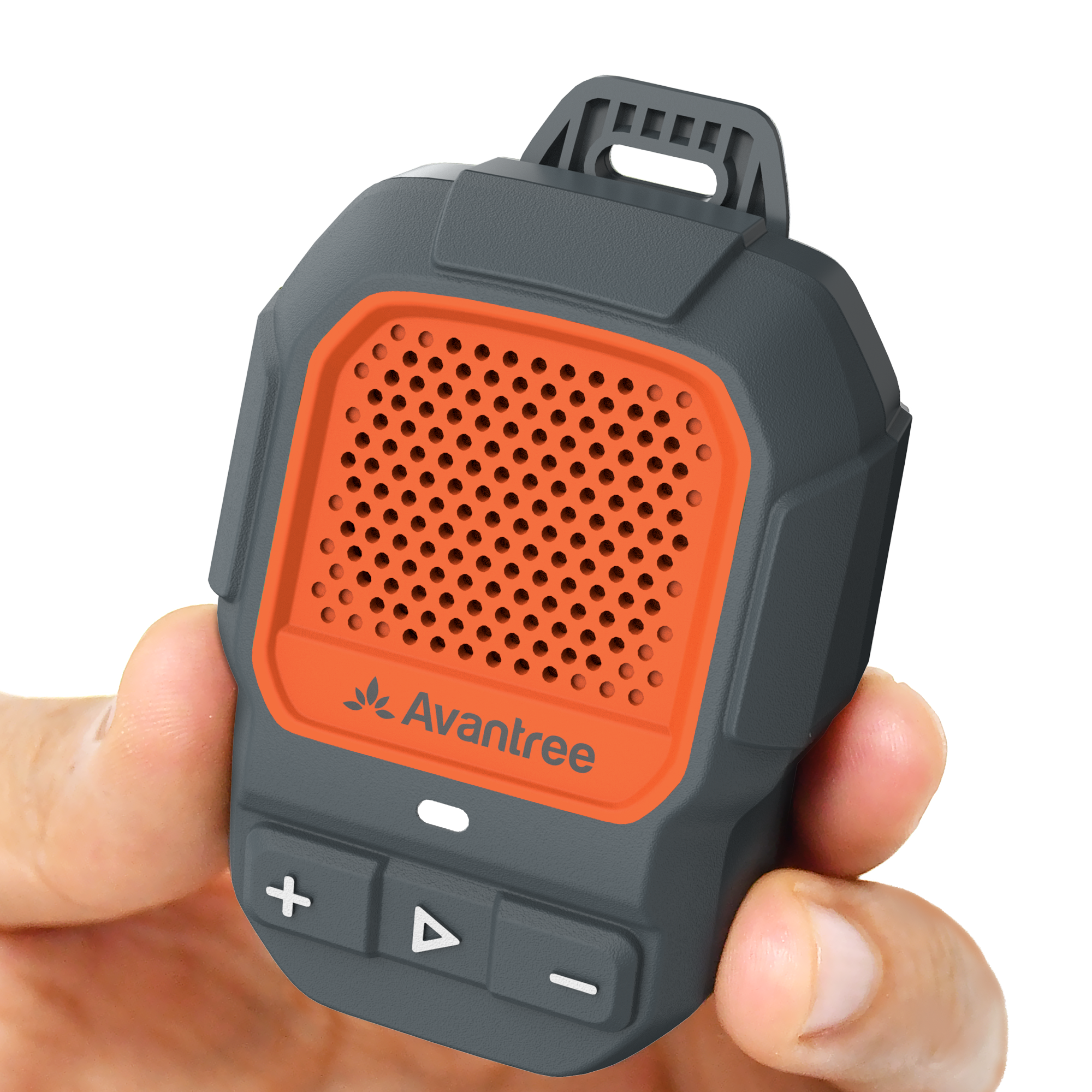
Connect ShareCast Solo with normal Bluetooth
-
Hold the ▶ button for 2 seconds.
Ready when the LED blinks red + blue. -
Open Bluetooth settings on your phone.
Select ShareCast from the device list. -
Wait for the LED to stay solid blue.
Play audio or make a call. The built-in microphone supports hands-free calls.
Success: LED is solid blue and phone audio plays through the speaker.