Charging
- Power source5 V, 1–2.4 A USB
- Solid redCharging
- LED offFully charged
- Charging timeAbout 2 hours
- PlaytimeUp to 10 hours; up to 36 hours with the charging case

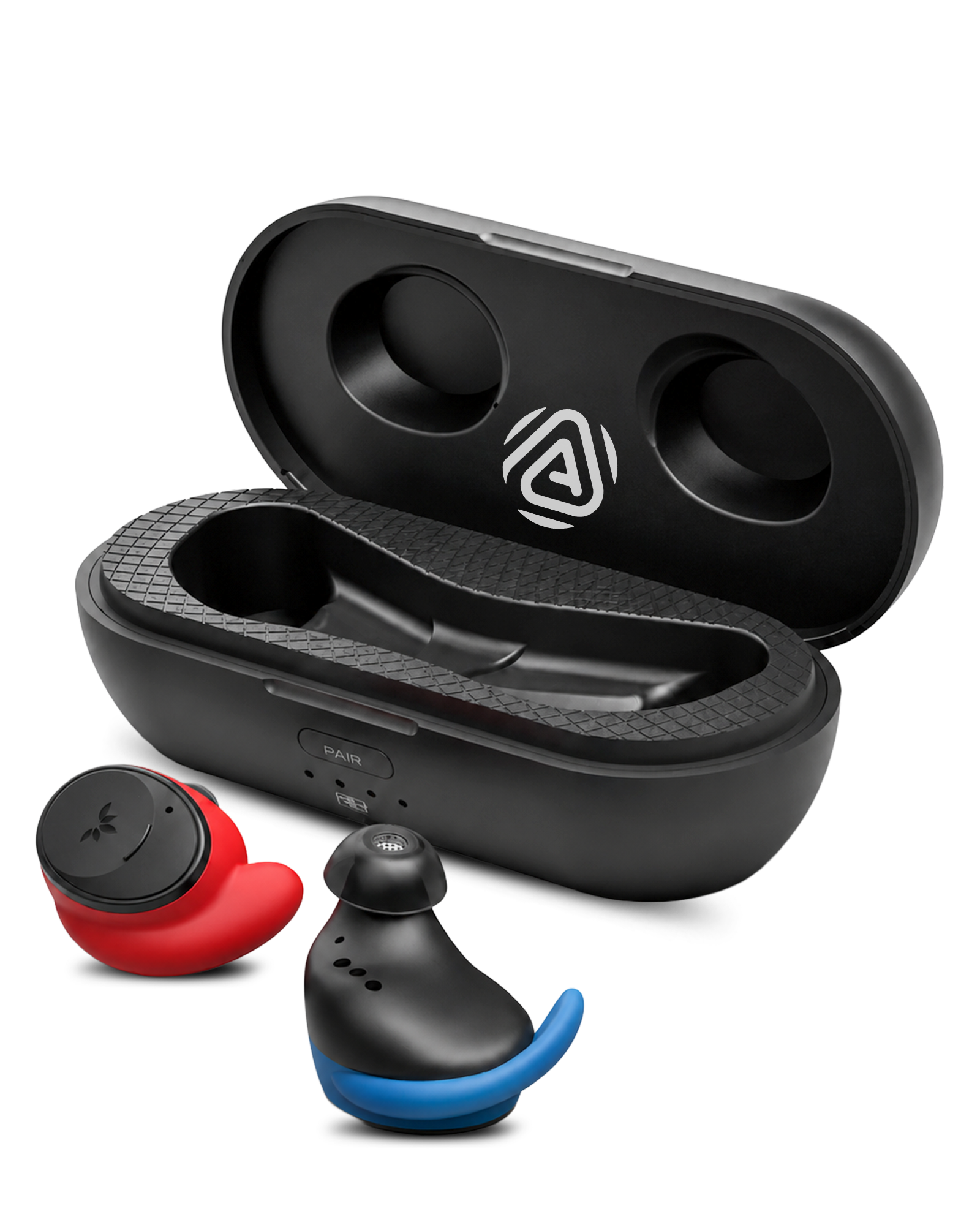
FitLock Aura · BTHS-TW130R
Connect to Bluetooth devices, a Medley Pebble 2 transmitter, or Auracast broadcasts
 Bluetooth + Auracast
First-time setup
Prepare both earbuds before connecting
Place both earbuds in the caseSeat each earbud fully so its charging contact connects.
Connect USB powerThe earbud LED stays solid red while charging.
Wait until charging finishesThe LED turns off when fully charged.
Start setup
Take both earbuds out of the case.Pairing starts automatically. The LED flashes red and blue.
Not flashing red and blue? Hold the + button on either earbud for 5 seconds.
Open Bluetooth on your device.Select FitLock Aura.
Hold the transmitter's Mode button for 2 seconds. The LED flashes orange rapidly.
On either earbud, hold the − button for 5 seconds. Its LED flashes orange rapidly.
Keep them closeWait for the connection to complete.
Select FitLock Aura when adding your headphones in the app.
Get the Avantree appDownload it from the App Store or Google Play.



Connect FitLock Aura to your phonePair it in your phone's Bluetooth settings first.
Add FitLock AuraOpen the app, tap to add a device, then choose FitLock Aura.
Choose a broadcastTap Auracast, then select the broadcast you want.
For an encrypted broadcastEnter its password. Tap the information icon, then tap Save.
How to wear
Choose ear tips that seal comfortably, insert each earbud, then settle the ear hook around your ear so it stays secure without pressure.

Adjust volume
Use the buttons on either earbud
Wear either earbudPlay audio so you can hear each change.
Press + or − onceUse either earbud. The volume change applies to both earbuds.
Repeat one press at a timeStop when the volume feels comfortable.
Reference
Firmware update
The app will notify you automatically when a new version is available.
Fix a problem
Expected: the LED becomes solid blue. If it does not, open the full manual or contact support below.
Expected: the earbud LED turns solid orange for 3 seconds, then turns off. For another open or encrypted broadcast, use the Avantree app steps above.
If the expected indicator does not appear, reconnect using the matching setup path above.
Expected: both earbuds play. If one side is still silent, contact support below.
Open the official FitLock Aura Support page for current FAQ, troubleshooting, accessories, warranty, and firmware destinations.
Still need help
A support agent will reply. Include the connected device, symptom, LED pattern, and screenshots.
Submit a ticket →