

Interactive User Guide · HearCoil / VHF-390NL

Hear Auracast with your T-coil hearing aids.

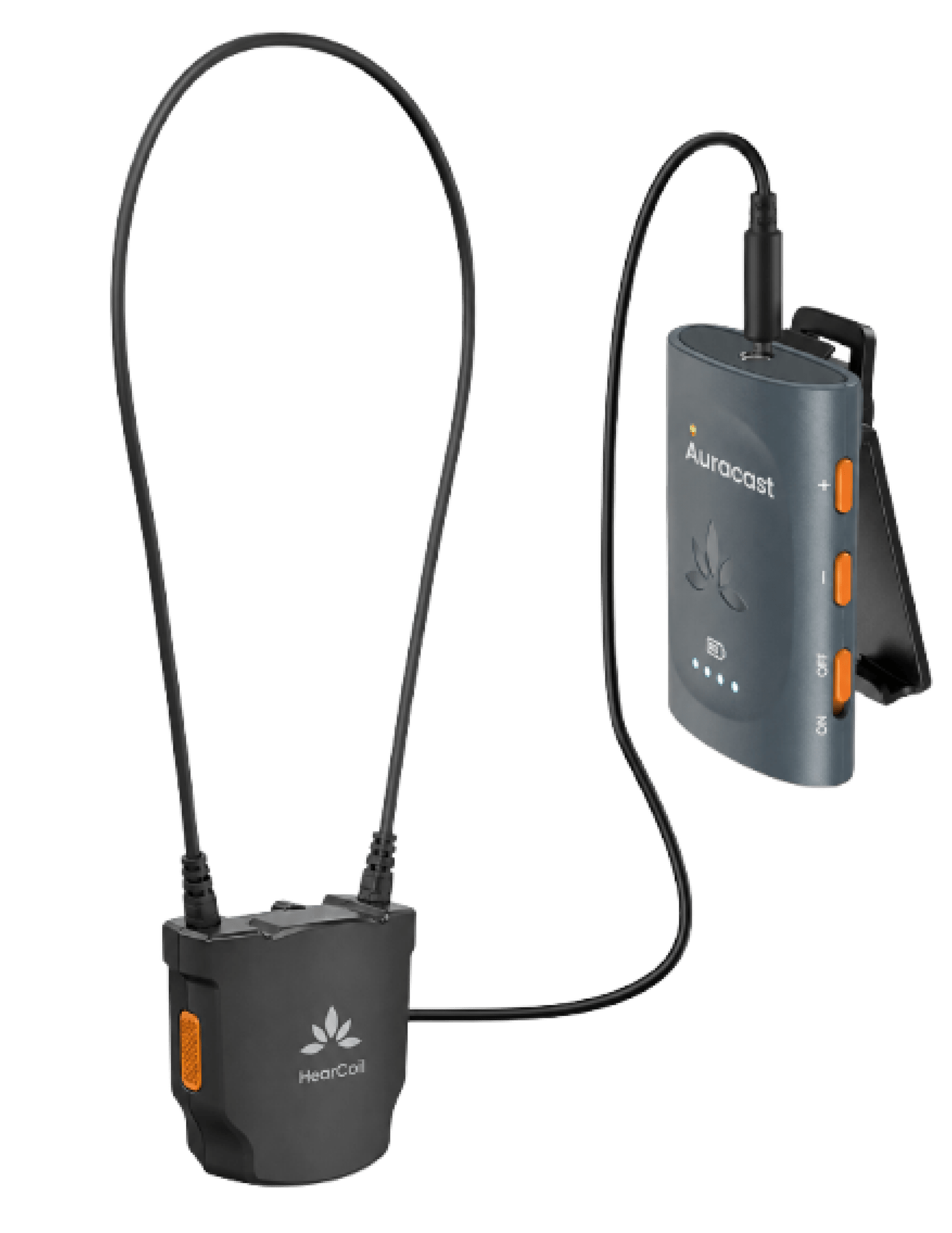
Connect HearCoil to an Auracast receiver, then listen through your T-coil hearing aids.

Avantree HearCoil T-coil loop connected to an AuraClip Auracast receiver, sold separatelyReceiver sold separatelyT-coil hearing aids compatibility symbol
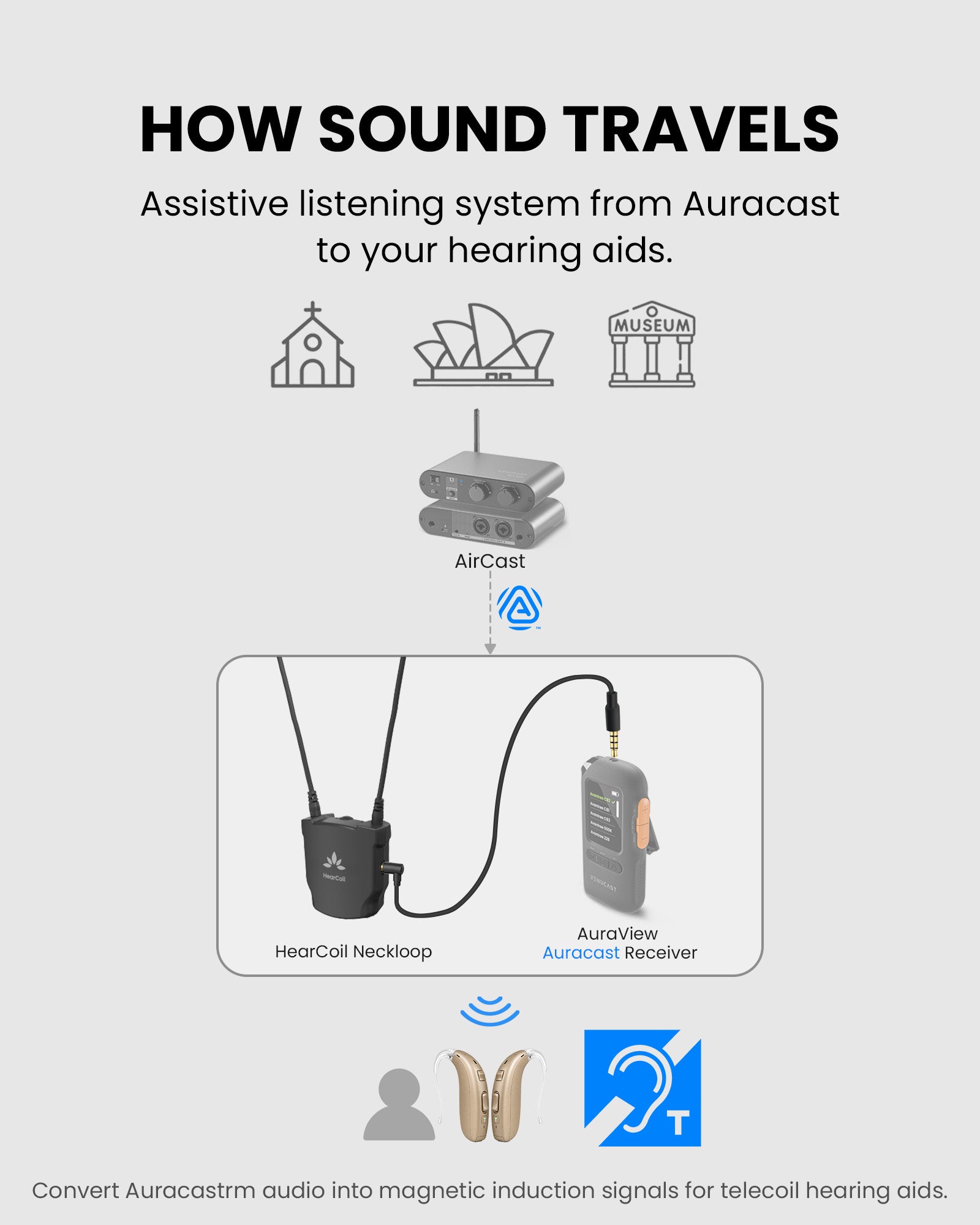
Auracast
broadcast
HearCoil +
Auracast Receiver
T-Coil
Hearing Aids

Quick setup

Four steps to start listening.

Complete each step to unlock the next.

Step 1

Get ready.

You need three things.

Have these ready:

  • HearCoil, charged.
  • An Auracast receiver with a 3.5 mm output. Receiver sold separately.
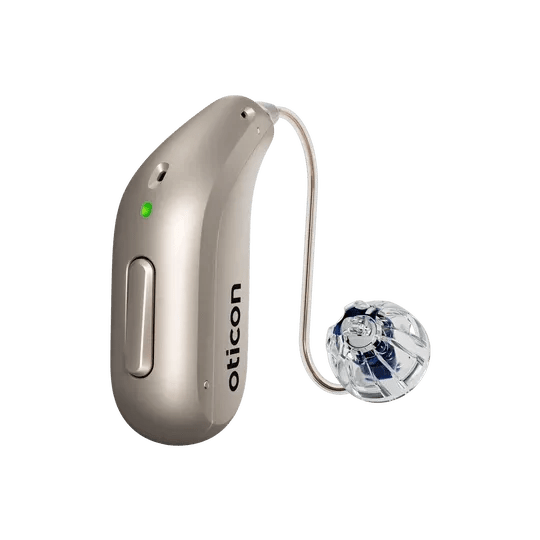
  • T-coil hearing aids or a compatible cochlear implant that supports T / MT mode.
Can't find T / MT mode? Ask your hearing care professional before continuing.

Quick fixes

Choose the symptom.

Try these checks in order.

×No sound
  1. Turn on both HearCoil and the receiver.
  2. Push the 3.5 mm plug fully into the receiver.
  3. Confirm the receiver has joined a broadcast and your hearing device is in T / MT mode.
  4. Raise receiver volume first, then HearCoil volume.

Expected: you hear clear broadcast audio.

Sound is too quiet
  1. Close the loop around your neck and fully insert the plug.
  2. Raise receiver volume first, then HearCoil control 1.
  3. Check T / MT volume in your hearing-device app.

Expected: speech is comfortably audible.

Sound cuts in and out
  1. Reconnect the safety breakaway and keep the loop fully around your neck.
  2. Reseat the 3.5 mm plug at the receiver.
  3. Confirm the receiver still shows its normal broadcast-receiving state.
  4. Charge HearCoil and the receiver if either may be low, then retry.

Expected: sound remains stable during normal head movement.

?Is my equipment compatible?
  • Receiver: Auracast with a 3.5 mm audio output.
  • Hearing device: T-coil / telecoil support.
  • Broadcast: public Auracast broadcast.

Encrypted broadcasts will require the future HearCoil app.

Reference

Product facts and official resources.

Diagram showing HearCoil sending broadcast sound to T-coil hearing aids

HearCoil / VHF-390NL

Broadcasts now
Public Auracast broadcasts
Hearing devices
Telecoil hearing aids and compatible cochlear implants
Controls
Listening volume and left/right balance
Wired output
3.5 mm headphone/audio output
Charging
Dock light stays red while charging and turns off when complete

STILL NEED HELP?

Get the right help for HearCoil.

For the fastest answer, choose HearCoil / VHF-390NL and include the receiver model, hearing-device model, symptom, and photos if useful.