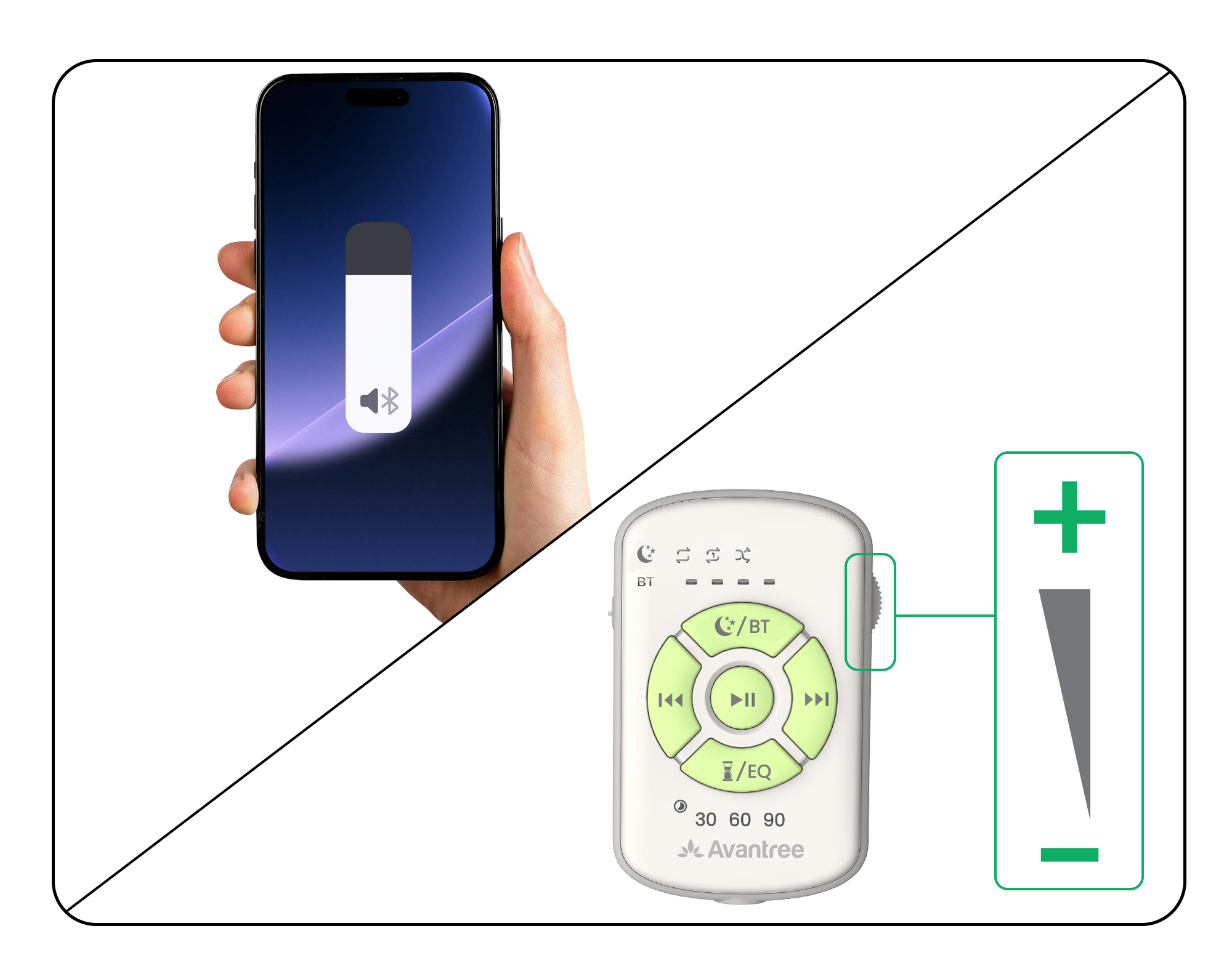
Start here when the Slumber 2 BT light is solid blue.
Open an audio app on your phone. Choose Music, YouTube, Podcasts, or a sleep-sound app.
Choose a track and tap Play in the app.
Select Slumber 2 as the audio output. On iPhone, open Control Center. Tap the playback destination button and select Avantree Slumber 2.Using another device?
Select Avantree Slumber 2 in your device’s audio-output settings. A Bluetooth transmitter sends audio from its connected source.
Select White Noise mode. On Version A, press the White Noise button. On Version B, press the combined White Noise / BT button. The White Noise light should turn solid white.
Choose a sound. Press the next-track or previous-track button.
Change playback pattern
Optional: Hold the Version A White Noise Version B White Noise / BT button for 2 seconds to cycle ordered, single-repeat, and shuffle playback.
Switch to White Noise mode and choose playback behavior
Done: the White Noise light is solid white and a built-in sound plays without a phone.
No sound? Turn up the Slumber 2 remote wheel and try another track. If it is still silent, contact support.
Step 03 · AUX
Connect with AUX
Unplug the Slumber 2 remote from the pillow speaker.
Insert the Slumber 2 speaker plug fully into your device’s 3.5 mm audio output. Use AUDIO OUT, not AUDIO IN.Unplug the remote and connect the speaker cable to the audio source
Play audio and adjust volume on the connected device.


 button to select BT, then hold it for 3 seconds.