

Interactive User Guide · HearCoil / VHF-390NL

Hear Auracast with your T-coil hearing aids.

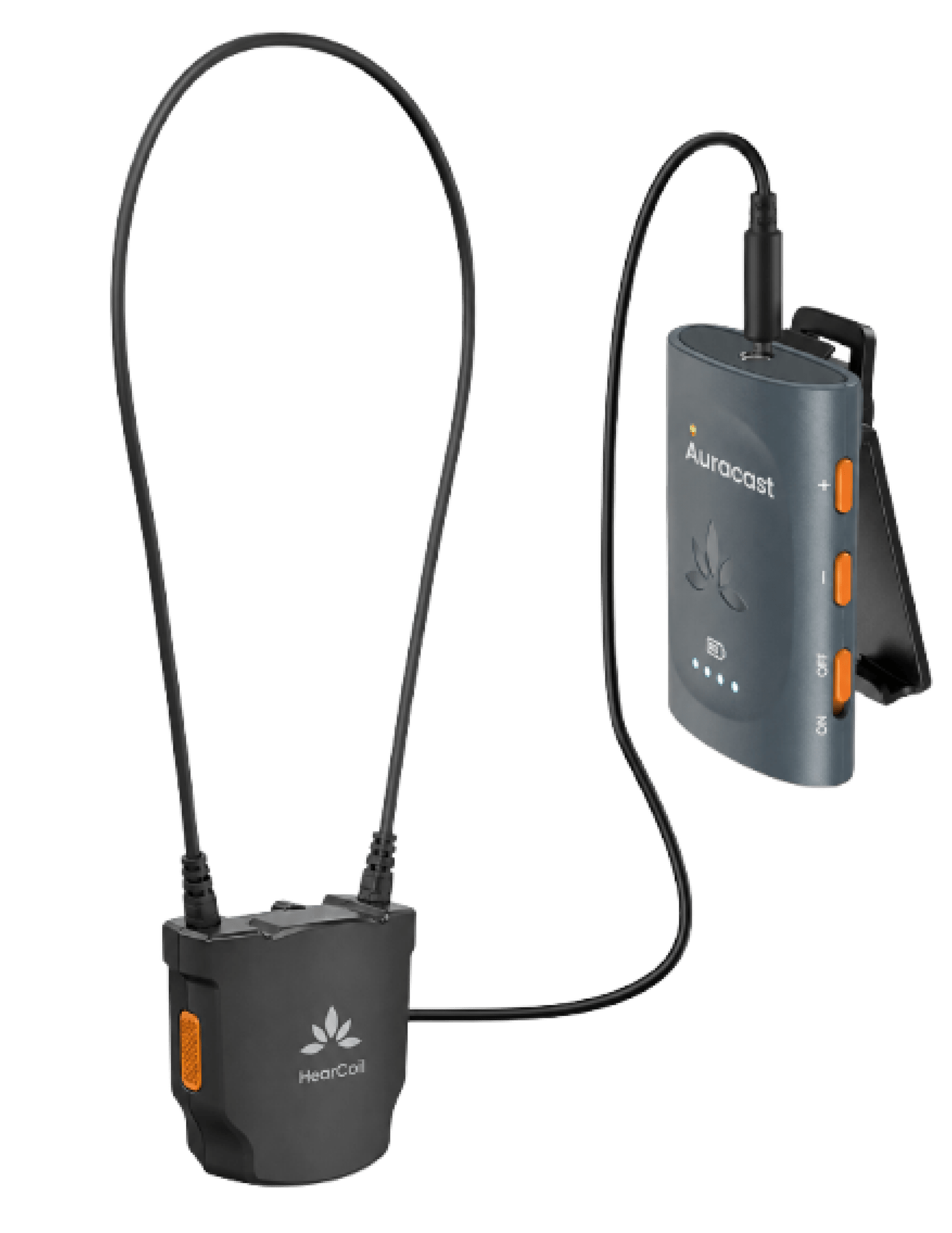
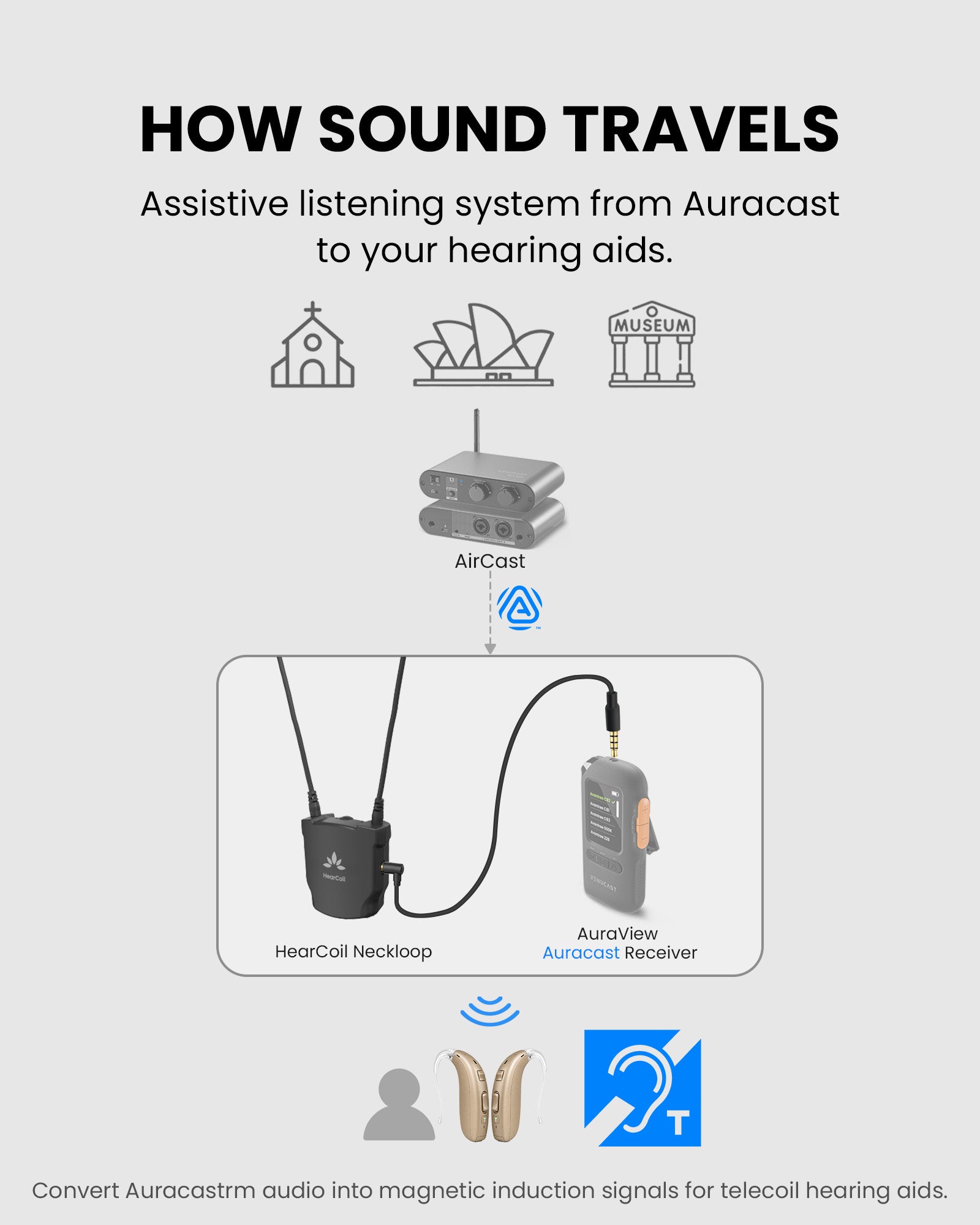
HearCoil receives the Auracast broadcast and sends it through the neckloop.

Avantree HearCoil neckloop with controller and charging dock
Auracast
broadcast
HearCoil
T-Coil
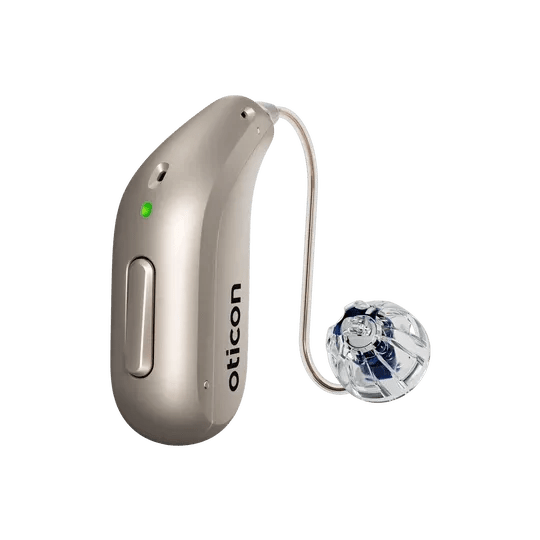
Hearing Aids

Quick setup

Four checks. One clear result.

Follow the steps in order. After each action, confirm the expected result before moving on.

Step 1

Check the broadcast and hearing device.

HearCoil works when both meet these requirements.

Confirm compatibility.

  1. Your hearing aids or compatible cochlear implant have an enabled T-coil / telecoil program.
  2. The venue is transmitting an active public Auracast broadcast.
  3. You are within the venue's advertised listening area.
Encrypted broadcast? It cannot be joined yet. A future HearCoil app will connect over BLE to support encrypted-broadcast joining.

Quick fixes

Choose the symptom.

Each fix identifies what to check, what to do, and the expected result.

×No sound
  1. Confirm the hearing device is in its T-coil / telecoil program.
  2. Confirm HearCoil is on and you are near an active public Auracast broadcast.
  3. Wait for automatic broadcast search to complete.
  4. Raise HearCoil's volume gradually.

Expected: clear public-broadcast audio reaches the hearing device. Encrypted broadcasts cannot be joined without the future HearCoil app.

Sound is too quiet
  1. Check that the loop surrounds your neck and is not twisted or partly open.
  2. Raise the receiver volume first.
  3. Then raise HearCoil through its available volume levels.
  4. Check the hearing-device T-coil program volume.

Expected: speech becomes comfortably audible without distortion.

Sound cuts in and out
  1. Reconnect the safety breakaway and keep the loop fully around your neck.
  2. Reseat the 3.5 mm plug.
  3. Keep the receiver close and confirm it still shows its normal receiving state.
  4. Place HearCoil on its charging dock if power may be low, then retry.

Expected: sound remains stable during normal head movement.

?Is my equipment compatible?
  • Hearing device: must support T-coil / telecoil listening.
  • Broadcast: must currently be a public Auracast broadcast.
  • Optional wired listening: compatible 3.5 mm headphones can connect to HearCoil's audio output.

BLE pairing is reserved for the future HearCoil app and encrypted-broadcast joining; it is not needed for today's public broadcasts.

Reference

Product facts and official resources.

Diagram showing HearCoil sending broadcast sound to T-coil hearing aids

HearCoil / VHF-390NL

Broadcasts now
Public Auracast broadcasts
Hearing devices
Telecoil hearing aids and compatible cochlear implants
Controls
Listening volume and left/right balance
Wired output
3.5 mm headphone/audio output
Charging
Dock light stays red while charging and turns off when complete

STILL NEED HELP?

Get the right help for HearCoil.

For the fastest answer, choose HearCoil / VHF-390NL and include the receiver model, hearing-device model, symptom, and photos if useful.