Use its Auracast Assistant or companion app if its manual requires one.
Select the Aura Focus broadcast.
Check the receiver manual for its exact buttons, LED pattern, App, and confirmation behavior.
Not compatible: classic Bluetooth-only headphones cannot join an Auracast broadcast.
Quick fixes
Match what you see.
Each fix states the action, expected result, and next step.
⌁Earbuds won't join the transmitter
Confirm the transmitter is powered on and playing TV audio.
Place both earbuds in the charging case, close it for 5 seconds, then remove both together.
Keep the earbuds close to the transmitter while they reconnect.
Expected: each earbud shows solid blue for 1 second, then its light turns off and TV sound plays. If not, submit a support ticket with the LED pattern.
🔇Joined, but no TV sound
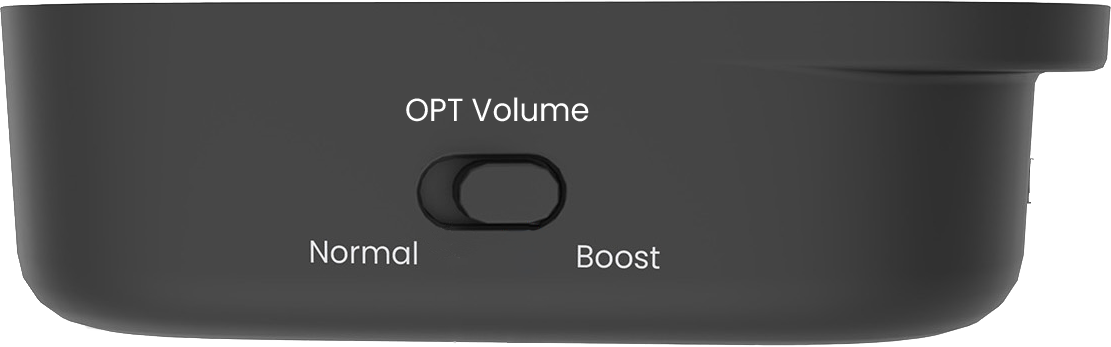
Check the cable: use TV audio OUT and connect it to transmitter OPTICAL or AUX.
HDMI-only TV: connect HDMI ARC/eARC to HAX06, then HAX06 Optical OUT to transmitter OPT IN.
Check the TV: Optical or HAX06 requires PCM/Stereo. AUX requires Headphones output and normal TV volume.
Restart: turn the transmitter OFF, then ON.
Expected: the Audio Signal light is solid and dialogue plays. If it still blinks, recheck the selected TV output.
Connect HAX06 Optical OUT to transmitter Optical input.
On the TV choose HDMI ARC/Receiver, turn eARC off if required, and select PCM/Stereo.
Expected: the Audio Signal light becomes solid. A standard HDMI cable connected directly to Aura Focus cannot work.
◉Charging-case middle light blinks, side lights stay solid
Place both earbuds fully into the charging case and confirm their contacts are seated.
Connect the case to USB-C power or place it correctly on the powered charging dock.
Leave it charging for about 2 hours, then remove and reinsert both earbuds.
Expected: the three white case lights indicate the case battery level. If the middle light continues blinking abnormally after a full charge, submit a support ticket with a short video of the pattern.
±Volume taps respond slowly
Tap the center of the round silver control once—left for volume down, right for volume up.
Wait briefly for the volume step before tapping again.
Dry the control surface and your fingertip, then retry.
Expected: each deliberate tap changes one volume step. If it remains unresponsive, use the transmitter + / − buttons and contact support.
⚡No light on transmitter
Reconnect USB-C at both ends.
Try a known-working 5 V USB adapter.
Slide the transmitter switch to OFF, then ON.
If there is still no light, submit a support ticket with a photo of the power connection.
🔋Earbuds will not charge
Confirm the dock has power.
Align the charging contacts and look for solid red.
Try USB-C charging directly.
Allow about 2 hours.
Share TV sound
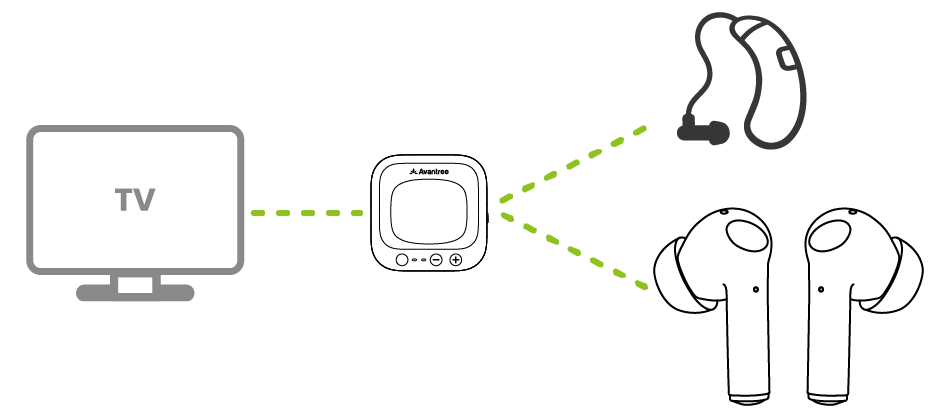
Use TV speakers or a soundbar with Aura Focus.
The TV must support two audio outputs at the same time.
TV SPEAKERS + EARBUDS
Possible when your TV supports simultaneous output.
Connect Aura Focus to the TV Optical output.
In TV Sound settings, choose TV Speaker + Optical, Simultaneous Optical Output, or Dual Audio Output.
First check whether the TV has a second active audio output.
Yes — a separate Optical or AUX output works: Keep the soundbar connected. Connect Aura Focus to that separate output, then enable simultaneous output on the TV.
No — HDMI ARC/eARC is the only active output: Aura Focus and the soundbar cannot play together directly.
Important: Aura Focus has no audio passthrough. HAX06 can connect Aura Focus to an available HDMI ARC port, but it cannot split a port already used by a soundbar.

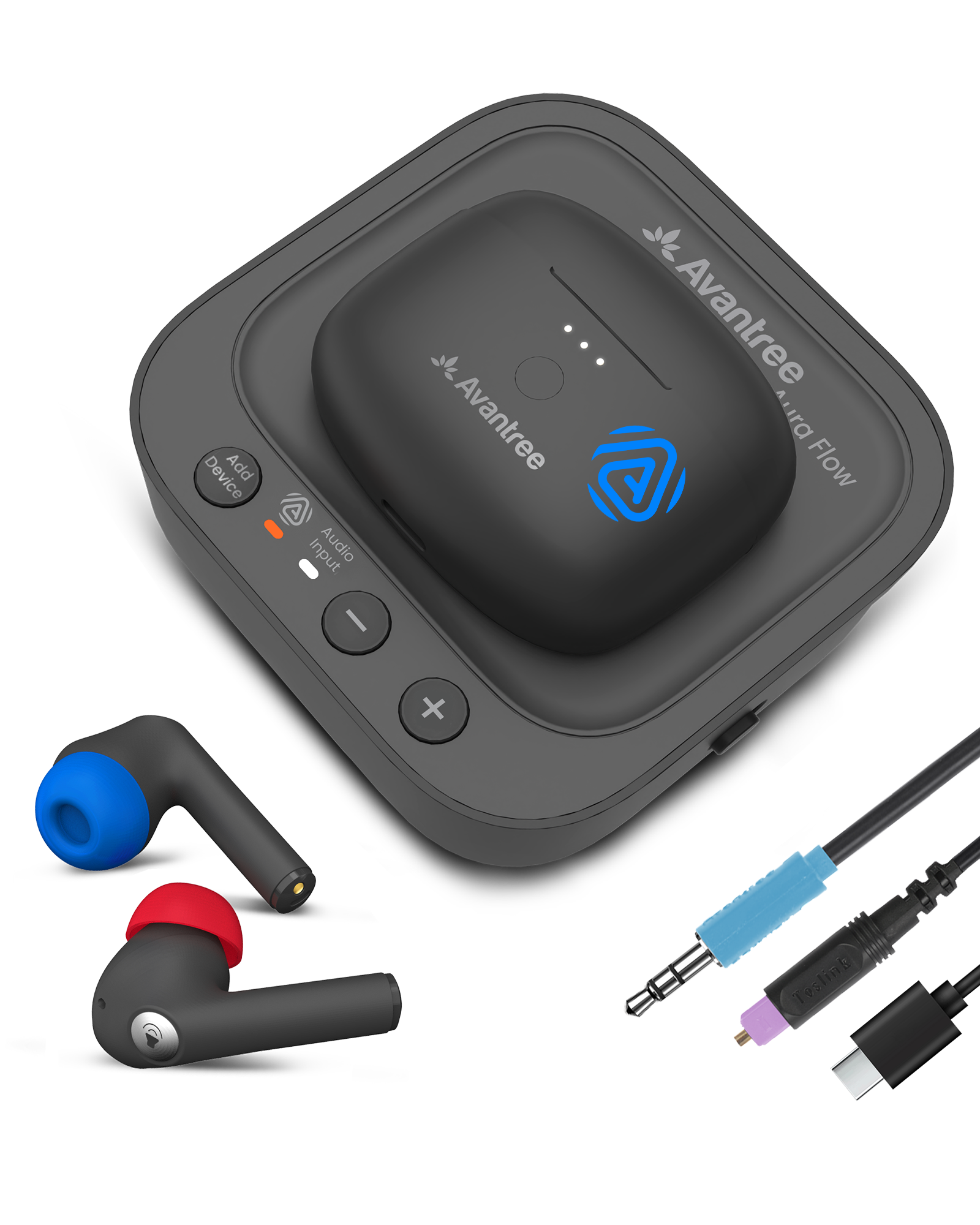 Secure in-ear fitAuracast TV audio

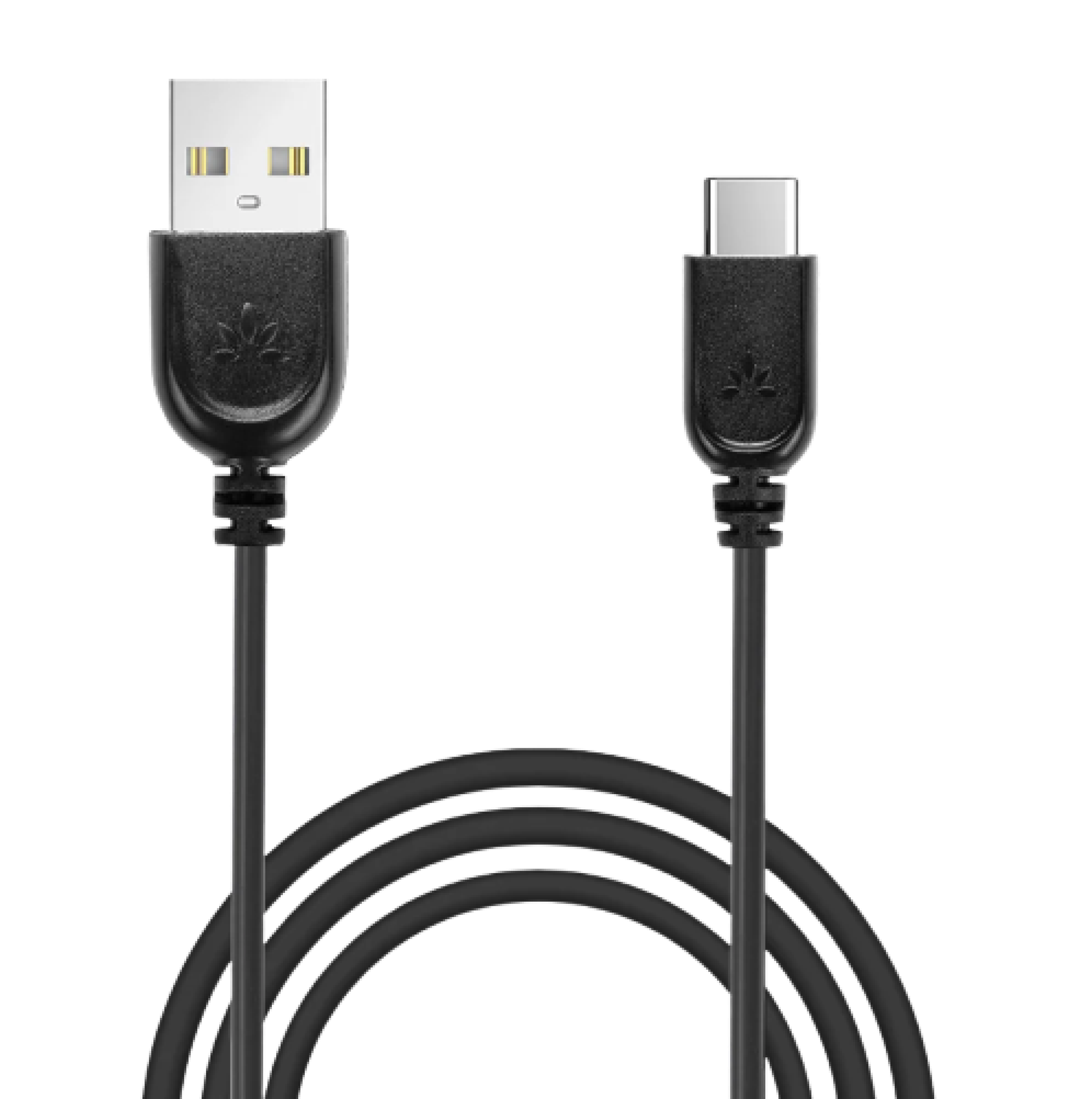 USB-C power cable
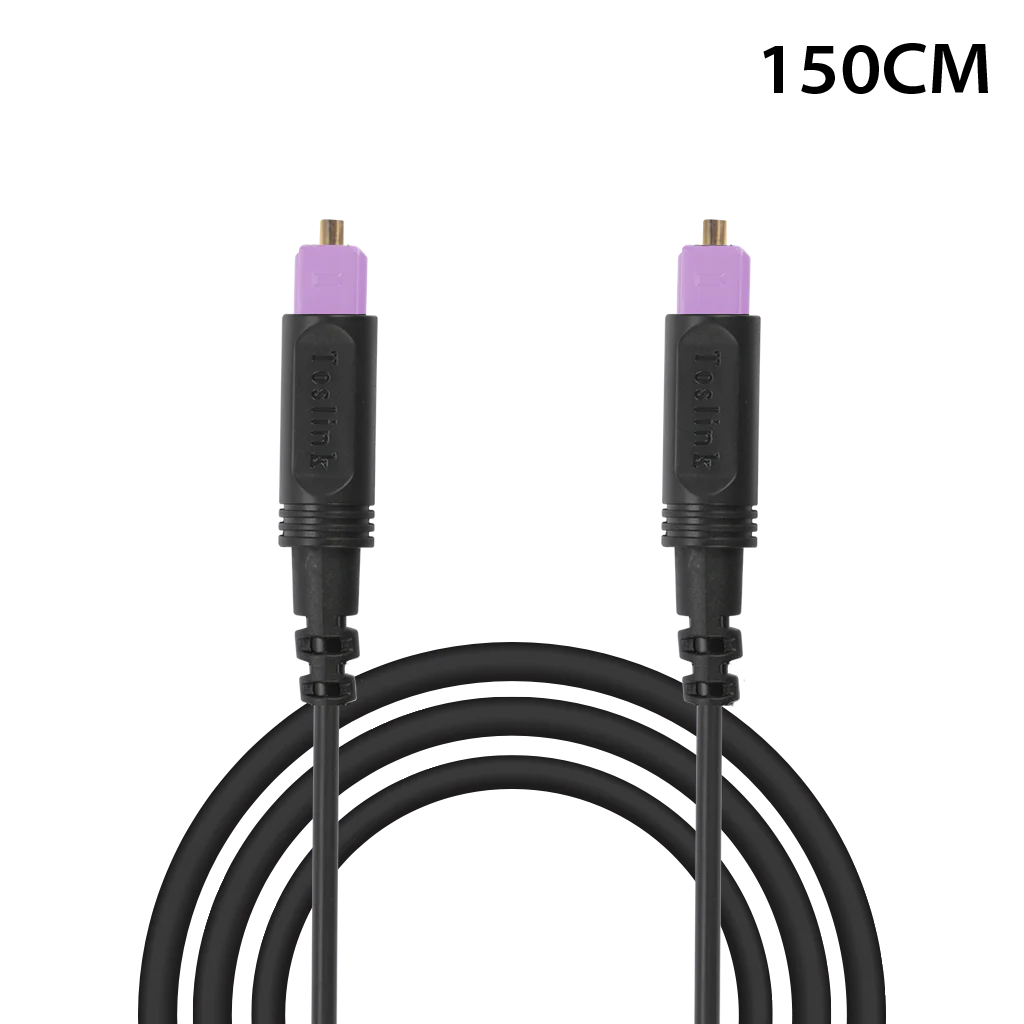 Optical cable
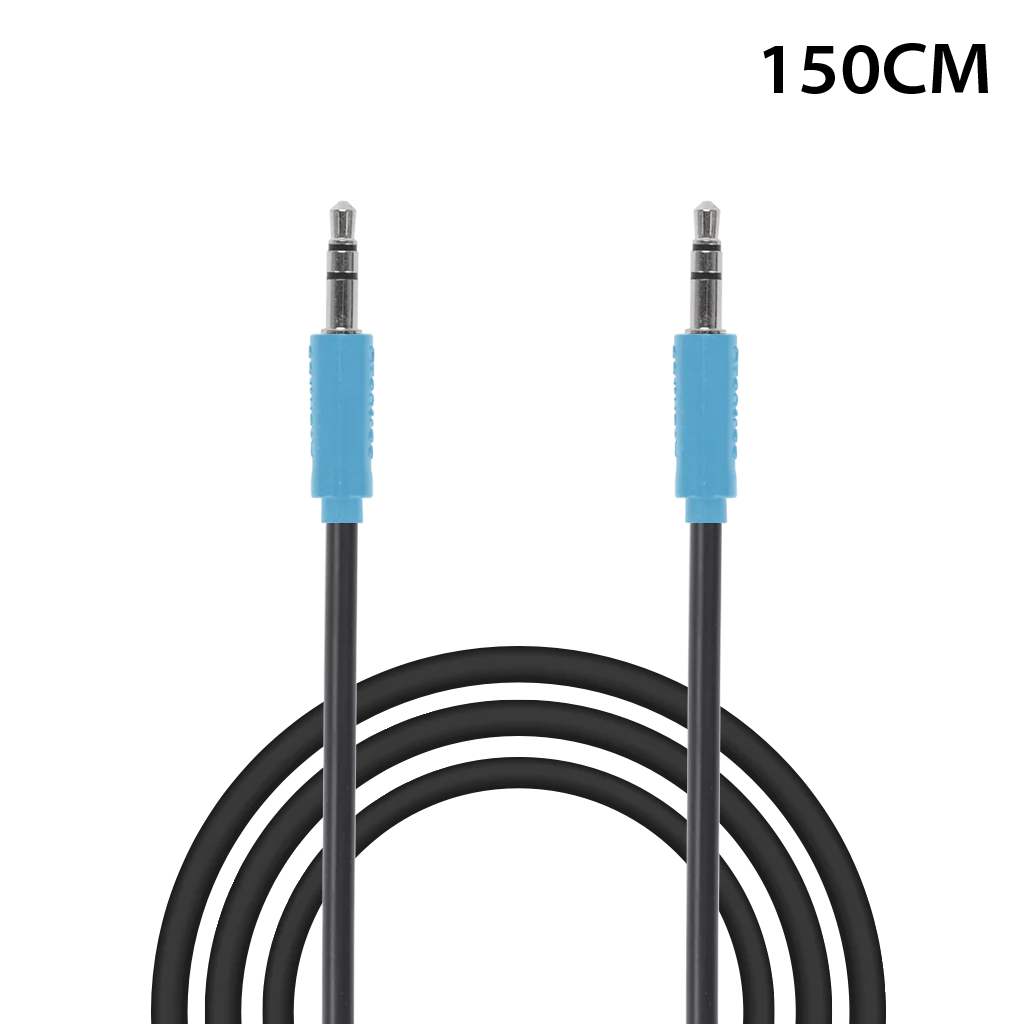 AUX cable