Phone
Pair Roadtrip with your phone
Roadtrip connects to one phone at a time. Turning it on does not always start pairing.
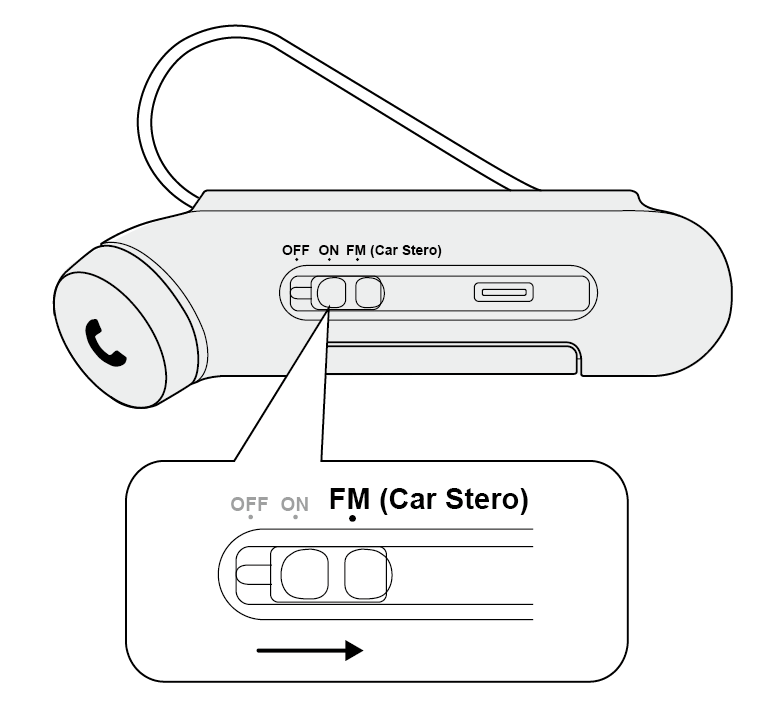
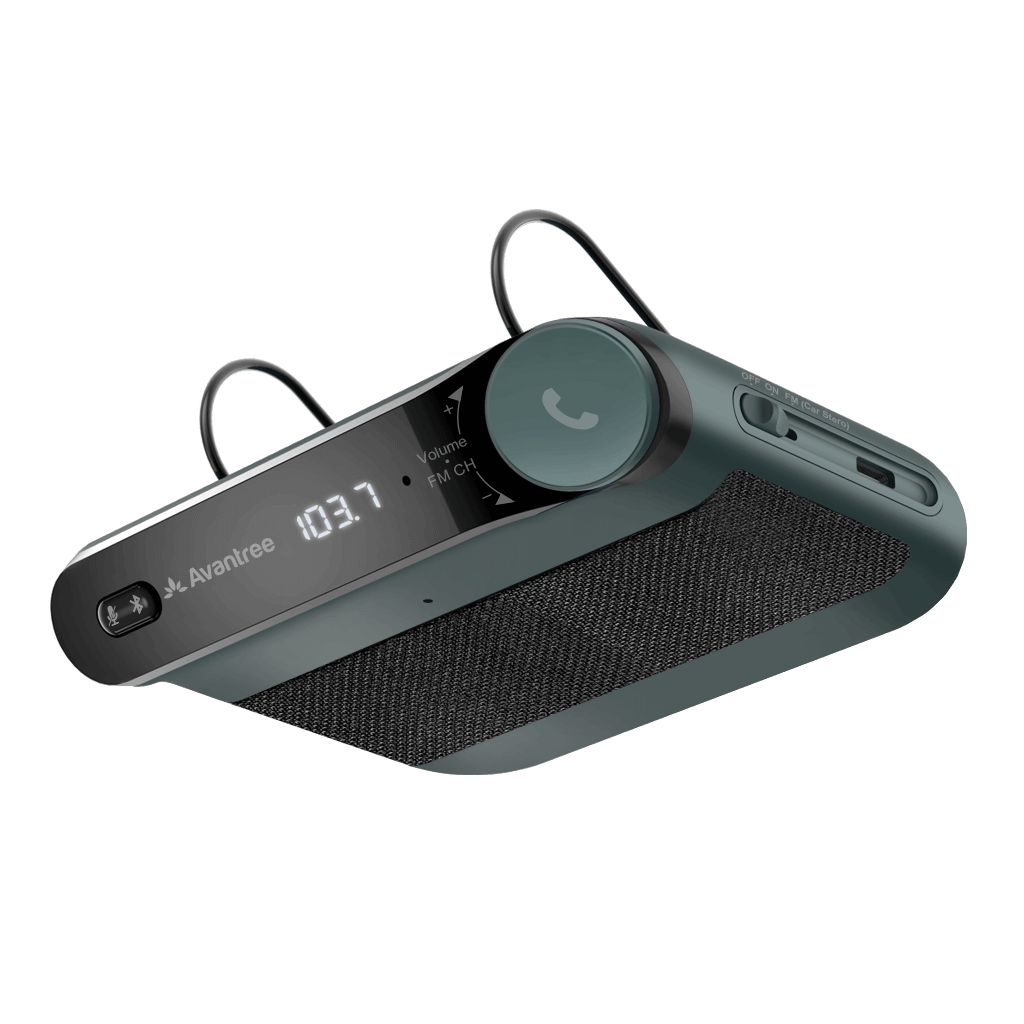
- Slide Roadtrip's OFF/ON/FM switch to ON.
Look for: The LED flashes red and blue. Roadtrip says “Power on” and “Pairing.”
If not: Hold the
 button until the LED flashes red and blue.
Watch: Turn on Roadtrip and enter Bluetooth pairing mode. - Open Bluetooth settings on your phone and select Avantree Roadtrip.
Watch: Find Avantree Roadtrip in your phone's Bluetooth settings. - Wait for Roadtrip to say “Connected.”
- Play a short audio clip on your phone to test the connection.
Done: Roadtrip says “Connected”; its blue LED flashes about every five seconds, and audio plays.
If not: If the phone cannot find Roadtrip, see pairing help.