
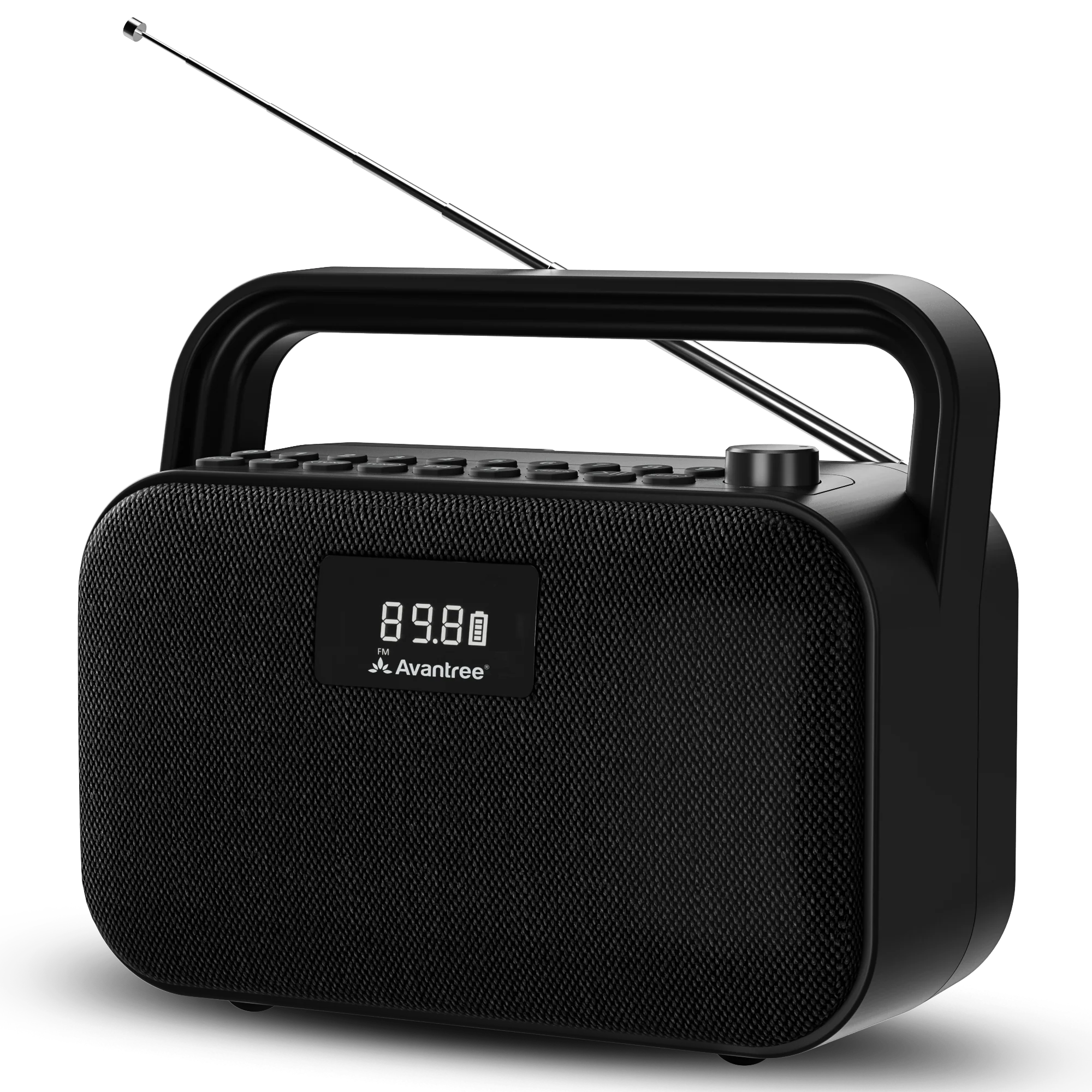
FM RADIO · BLUETOOTH SPEAKER · BTSP-880

Choose a source. Start listening.

Pick FM, Bluetooth, MicroSD, USB, or AUX. Follow the short steps. Check the success message.

Avantree PowerByte portable FM radio and Bluetooth speaker

STEP 1 · CHARGING

Charge PowerByte.

You can use PowerByte while it charges. A full charge takes about 3 hours.

  • Connect: USB-C, 5 V / 3 A
  • Charging: battery icon blinks
  • Full: battery icon stays solid
  • Playtime: up to 20 hours
How to charge PowerByte.
Next: Choose a source →

CHOOSE A SOURCE

What do you want to hear?

Choose one. Only its steps will open.

FIX A PROBLEM

What is happening?

Open the problem that matches what you see or hear.

No power or the screen stays dark

You see: the screen stays dark after you turn the knob to ON.

Do this:

  1. Charge for at least 30 minutes.
  2. Use a 5 V / 3 A USB-C source.
  3. No blinking battery icon? Try another cable or charger.

You should see: the screen turns on.

Still dark? Submit a PowerByte support ticket.

FM has static or weak reception

Do this:

  • Fully extend the antenna.
  • Reposition it. Move near a window.
  • Move PowerByte away from routers, TVs, microwaves, metal, and other electronics.
  • Try another station or room.

You should hear: clearer reception.

Still weak? Test several locations. If reception stays weak, contact support. Include your location and setup.

Bluetooth device cannot find PowerByte

Do this:

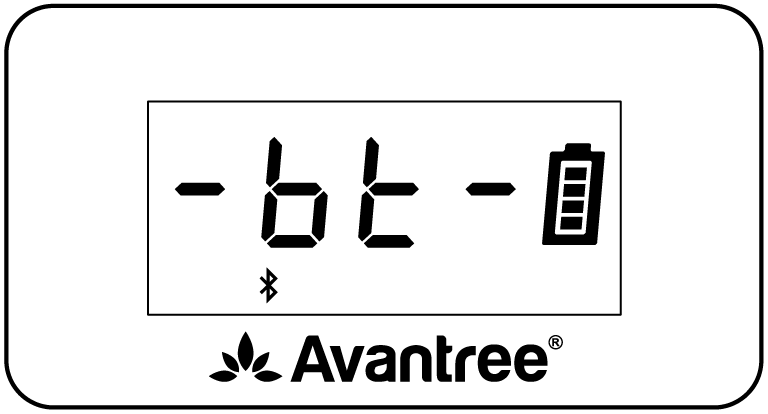
  1. Press MODE until Bluetooth appears.
  2. Disconnect PowerByte from the last paired device.
  3. Select Avantree PowerByte again.

You should see: Connected. Your audio starts playing.

Still not connected? Use Factory Reset below.

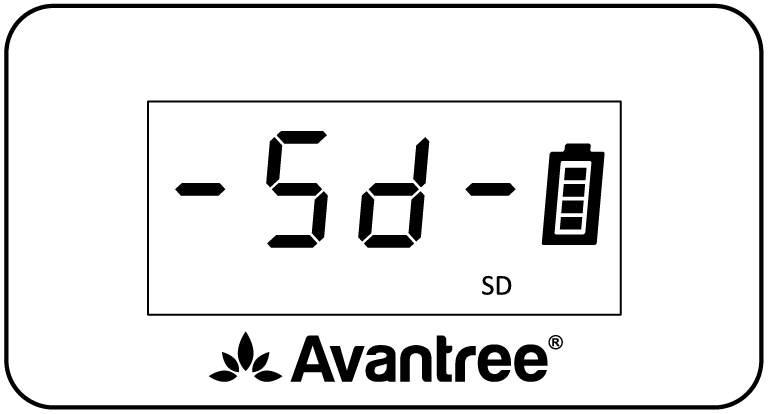
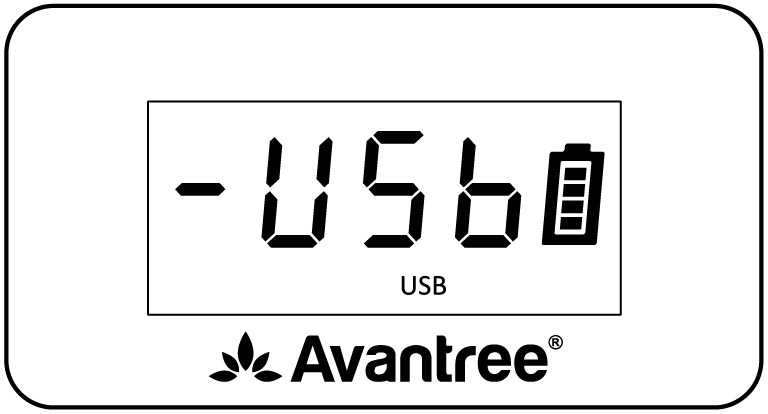
MicroSD or USB mode does not appear

You see: MODE skips MicroSD or Music.

Do this:

  • Reinsert the card or drive.
  • Use 32 GB or less.
  • Add MP3, WMA, WAV, APE, or FLAC files.

File limit: 88 kHz or higher audio is not supported.

You should see: the mode appears. Music starts.

Factory reset
  1. Turn PowerByte on.
  2. Press and hold MODE and 0 together for 5 seconds.

You should see: the reset completes and PowerByte returns to FM mode.

This erases saved FM stations and Bluetooth pairing history.

REFERENCE

Buttons and functions.

Playback controls

OFF / ON / − / +
Power and volume
MODE
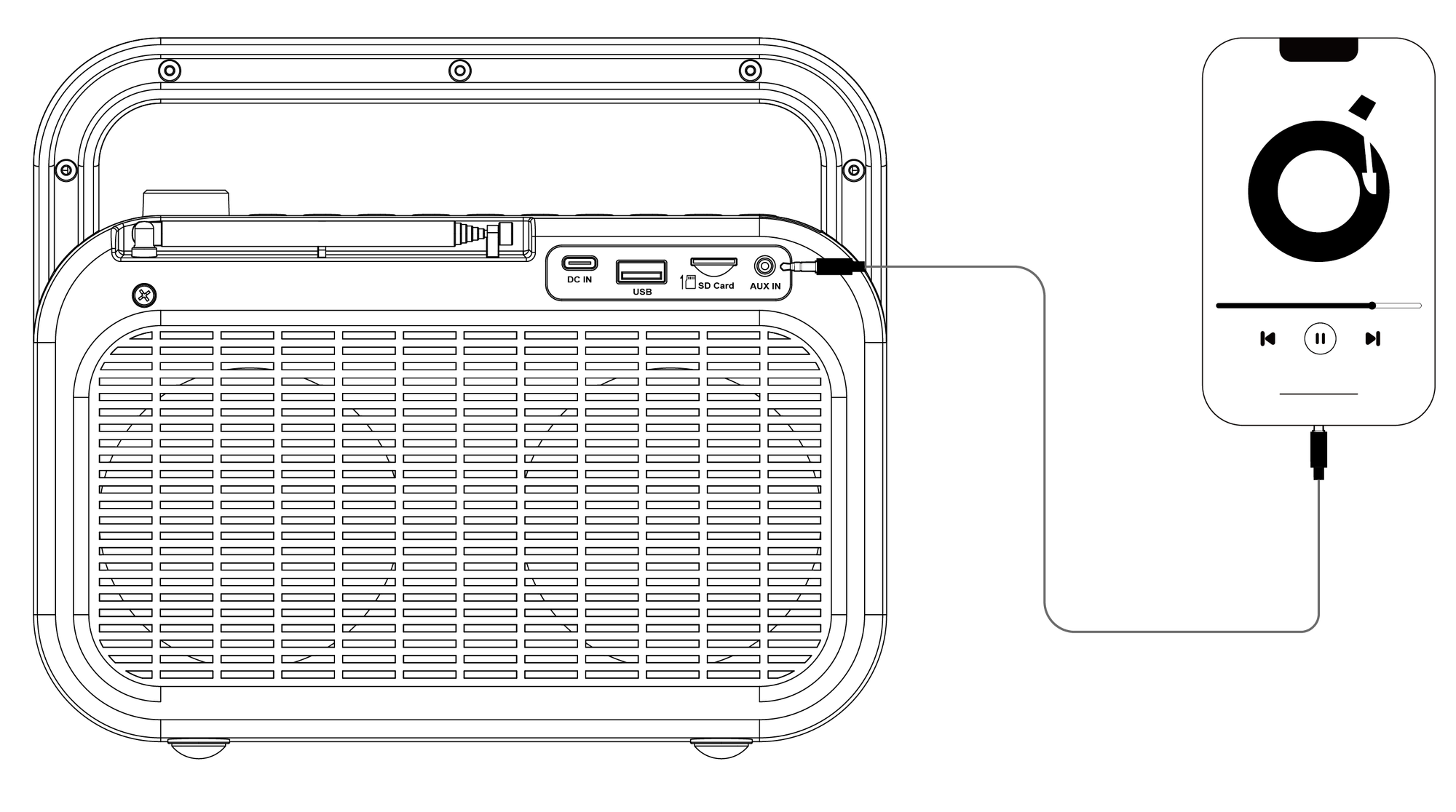
Bluetooth, MicroSD, USB, and AUX
<SEEK / SEEK>
Previous/next track or FM channel
Mute FM/AUX; play or pause other modes
FM
Press for FM; hold to auto-scan
<TUNE / TUNE>
Change FM frequency by 0.1 MHz

Number, EQ, and Timer

0–9
Enter/save FM stations or select a media track
MODE + 1 / 2 / 3
Repeat One / Repeat All / Shuffle
EQ
Balanced / Voice Clear / Bass Boost
Timer
30 / 60 / 90 / 120 minutes / Off

Voice prompts and reset

⏯ + SEEK>
Hold 5 sec: enable voice prompts
⏯ + <SEEK
Hold 5 sec: disable voice prompts
MODE + 0
Hold 5 sec: factory reset

Charging and media

Input
USB-C, 5 V / 3 A
Full charge
About 3 hours
Average battery life
Up to 20 hours
Media
MicroSD or USB, up to 32 GB
Files
MP3, WMA, WAV, APE, FLAC; no 88 kHz+ audio
Official PowerByte tips and tricks.

STILL NEED HELP?

Get the right help for PowerByte.

Select PowerByte / BTSP-880.Include the source mode and display message.Add the connected device or media.Tell us what happened after a restart.

DON'T WANT TO SUBMIT A TICKET?

Talk to a real support agent.

Was this helpful?