Add More Ensemble Pro Headphones
- Turn them on near the transmitter.
- Wait for solid orange.

Interactive user guide
Connect by Optical or AUX, then listen through the included wireless headphones.
 Transmitter
 Headphones
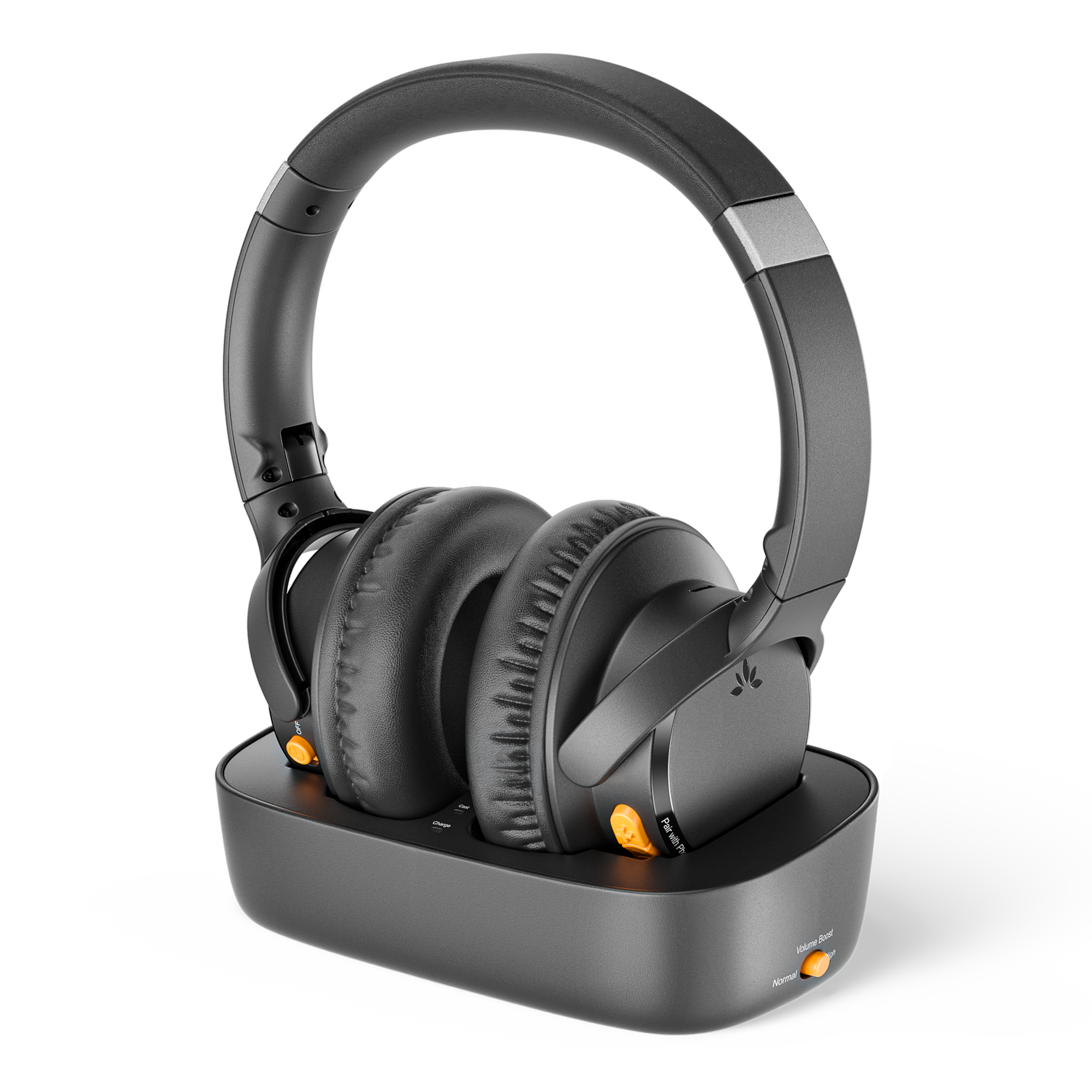 Optical · AUXMulti-headphone · up to 35 hours
Step 1
Step 2
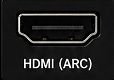
Check the labels beside the ports, then choose the first match below.
Choose Optical or AUX in Step 2 to see the connection steps.
Step 3
TVUse your TV remote.
Step 4
Keep the headphones near the transmitter.
Connect the headphones directly by Bluetooth.
Hold Pair with Phone for 3 seconds. The LED flashes red and blue.
On your phone or PC, turn on Bluetooth.
Solid blue means connected.
Share TV sound via Auracast.
Avantree device
Turn it on near the transmitter.
Other brand
Use its app to join Ensemble Pro.
Bluetooth-only headphones won't work.
Use the powered dock or a USB-C cable.
Full charge: about 2 hours.
Playtime: up to 35 hours.
Not charging? Reseat the headphones or USB-C cable. Check the power source.
Each fix states the action, expected result, and next step.
Expected: solid orange and TV sound. If it still fails, hold + and − together for 5 seconds to reset the headphones, then search again.
Expected: the Audio Signal light is solid and spoken dialogue plays. Still silent? Reopen Step 2 and follow the matching connection path from the beginning.
If there is still no light, submit a support ticket with a photo of the power connection.