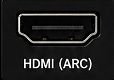
Turn the base OFF
Base light: off

Interactive user guide
Use the low-delay Ensemble base, or connect directly with TV Bluetooth.
 Headphones + transmitterOptical or AUX audio
Start setup
Recommended · Low delay
Do not open the TV Bluetooth menu.
Recommended kit setup
Step 1
Place the headphones on the charging contacts. Full charge: about 2 hours. You can continue setup now.
Step 2
Check the labels beside the ports, then choose the first match below.
Step 3
Use your TV remote.
Step 4
Already paired—do not pair again.
TV Bluetooth · Higher delay
Audio behind the picture? Use the recommended base setup.
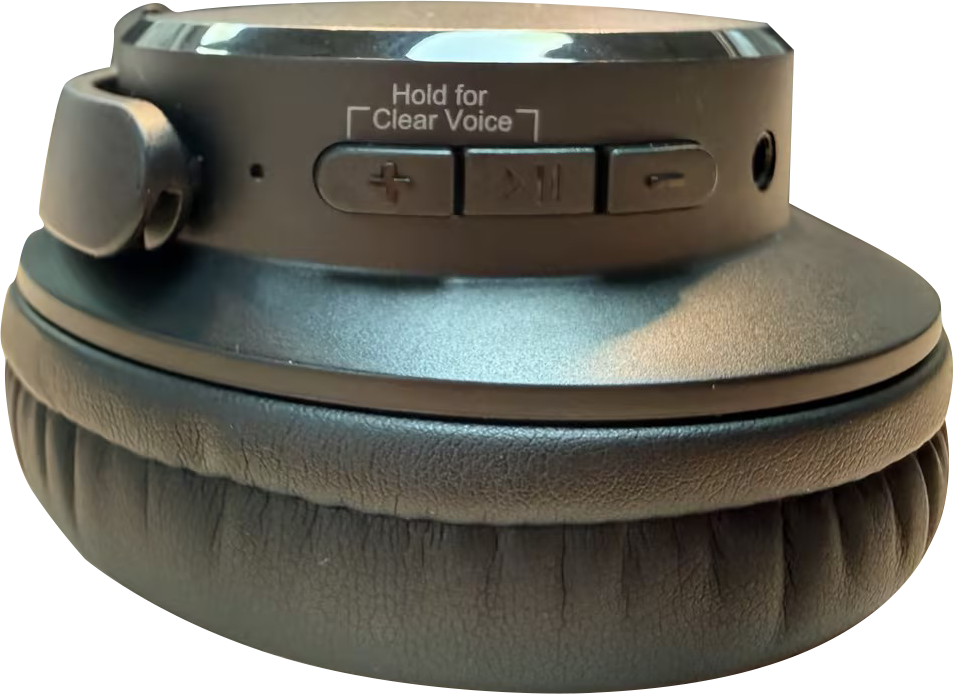
Right earcup: ON/OFF · ▶⏸ · LEDBase: ON/OFF
See buttons and lights →Base light: off
Turn headphones ON. Hold ▶⏸ for 5 seconds.LED: red + blue flashing
TV Bluetooth audio list → Ensemble.
LED: solid blue
Success: solid blue + TV sound
No TV Bluetooth?
After setup
Start with the headphone controls.
Press + or − on the right earcup.
Optical: TV volume may be fixed.
AUX: use the TV remote.
Press and hold ▶⏸ and + together.
Clear Voice: clearer speech
Balanced: natural sound
Optional setup
Most Bluetooth headphones are supported. For low delay, we recommend the matching AS50Q headphones →
Connected: the base and new headphones turn solid blue.
Next time: turn on the base and first headphones first. Then turn on the second pair.
Daily use
Use the powered base or USB-C.
Power & charging
Not charging? Reseat the headphones or USB-C cable. Check the power source.
Quick fixes
Tap the light or sound that matches your problem.
Expected: solid blue means connected.
Open Pair & Lock steps →Expected: speaking voices play in the headphones.
Open full no-sound fix →Still no light with known-working power? Contact support.
Submit an Ensemble ticket →Expected: the blue light becomes solid.
The exact option depends on the TV model, not the Ensemble headphones.
Video guide
One video shows the complete Ensemble setup.
Watch on YouTube →Check each included part before setup.
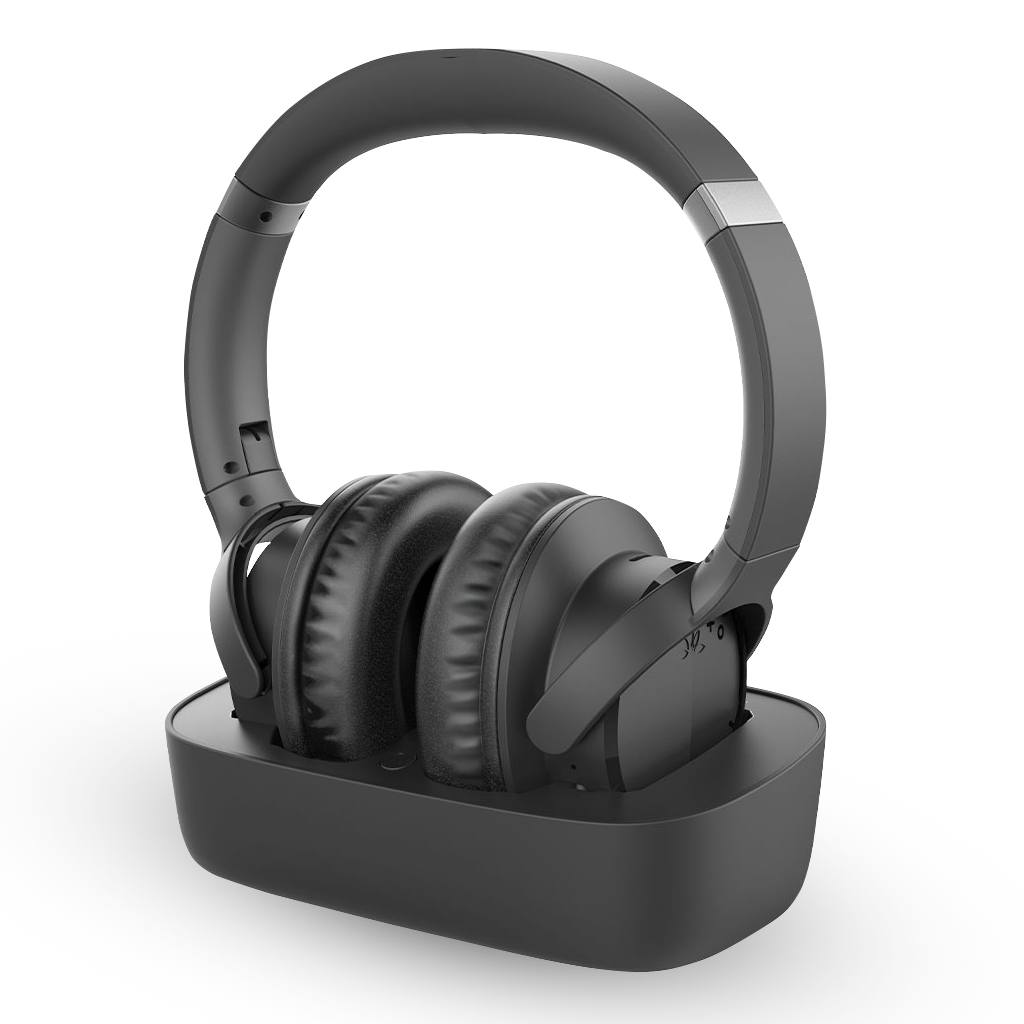 Headphones + charging base
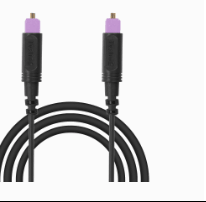 Optical cable
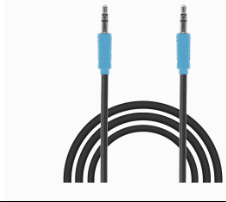 AUX cable
Use only one audio cable: Optical or AUX.
View product details →Reference